The average student now spends over $300 a year on AI writing subscriptions.
That’s a textbook budget, wasted.
We’ve all been there. You stare at a blinking cursor at 11:47 PM, the deadline looming like a guillotine. You need clarity, not a hallucinating chatbot that costs more than your actual textbooks. But here’s the truth: the landscape has shifted. In 2026, the best AI tools aren’t hiding behind a $20 monthly paywall. They’re smarter, more specialized, and—if you know where to look—completely free.
I’ve tested dozens to cut through the noise.
In this guide, I’m handing you the exact shortlist. We’re talking about the tools that actually cite your sources, the ones that act as a thought partner (not a ghostwriter), and the hidden gem that turns messy lecture notes into structured essays in under five seconds.
No fluff. No freemium traps. Just the four tools you should bookmark right now.
Why Students Are Moving Away from Paid AI Subscriptions
For the past two years, the narrative was simple: if you wanted quality AI, you paid for ChatGPT Plus or Claude Pro. But 2026 looks radically different.
The free tiers have caught up. In fact, they’ve surpassed them in specific academic use cases.
Major AI providers realized that students—who represent one of the largest user bases—simply cannot afford $20 to $30 monthly subscriptions stacked on top of tuition, rent, and textbooks. The result? A surge in feature-rich free tiers that now include web browsing, file uploads, and significantly higher context windows (the amount of text the AI can “remember” at once).
This shift matters because academic writing isn’t just about generating words. It requires research, synthesis, citation, and revision. The new generation of free tools handles these specific academic workflows without forcing you to reach for your credit card.
Criteria for Selection: What Makes an AI Tool “Student-Ready”
Before we dive into the list, let’s establish the criteria I used. Not every AI tool belongs in a student’s toolkit.
-
Academic Integrity Features: The tool must encourage original thought. I avoided tools designed to “write essays for you” in one click. Instead, I selected tools that help you outline, research, and revise.
-
Free Tier Sustainability: A truly useful free tier cannot be a 7-day trial. These tools offer permanent free access with reasonable usage limits suitable for a semester’s workload.
-
Citation Support: The tool must either generate citations or make it easy to trace information back to source material.
-
No Hallucination Liability: Students can’t afford to submit fabricated statistics. Priority was given to tools with built-in web search or source-linking capabilities.
-
Multi-Format Support: The tool should handle PDFs, lecture transcripts, web articles, and YouTube video transcripts.
The Top 4 Free AI Writing Tools for Students in 2026
Let’s get into the specifics. These four tools form the core of a free, powerful academic workflow.
1. Google NotebookLM: The Research Powerhouse
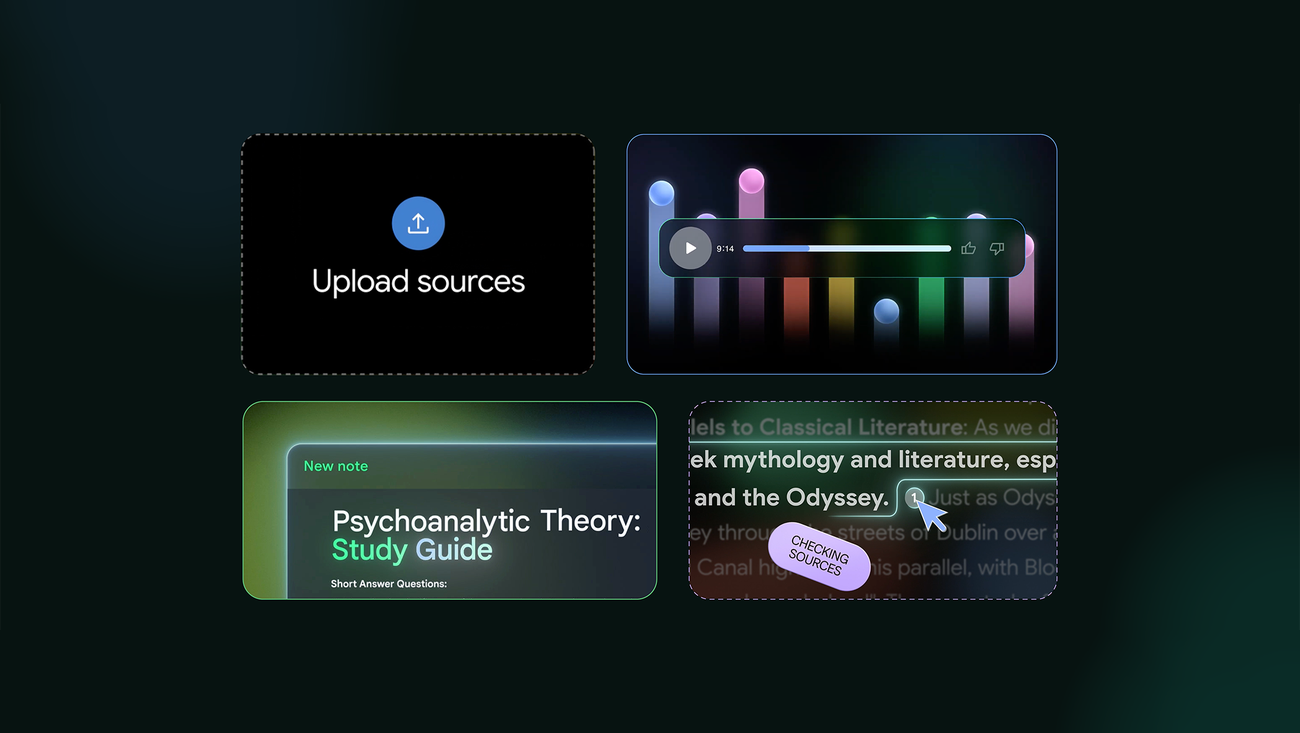
If you only adopt one tool from this list, make it this one.
NotebookLM is not your typical chatbot. It’s a personalized AI research assistant that you “ground” with your own sources. You upload your course readings, lecture slides, PDFs, and web links, and NotebookLM answers questions strictly based on that material.
Why it wins for students:
It virtually eliminates AI hallucinations. When you ask it a question, it provides answers with inline citations linking directly to the specific quote in your uploaded source. This is revolutionary for literature reviews and research papers.
Key Free Features:
-
Upload up to 50 sources (each up to 500,000 words) for free
-
Automatic creation of study guides, briefs, and timelines from your materials
-
“Audio Overview” generates a podcast-style discussion of your sources—perfect for passive review during commutes
-
Citation-backed responses with direct source links
Best use case:
You have 12 academic papers and a textbook chapter to synthesize for a research paper. Upload everything to NotebookLM. Ask it to identify conflicting arguments between sources. It will show you exactly where authors disagree, with citations, saving you hours of manual cross-referencing.
2. Perplexity AI: The Cited Search Engine
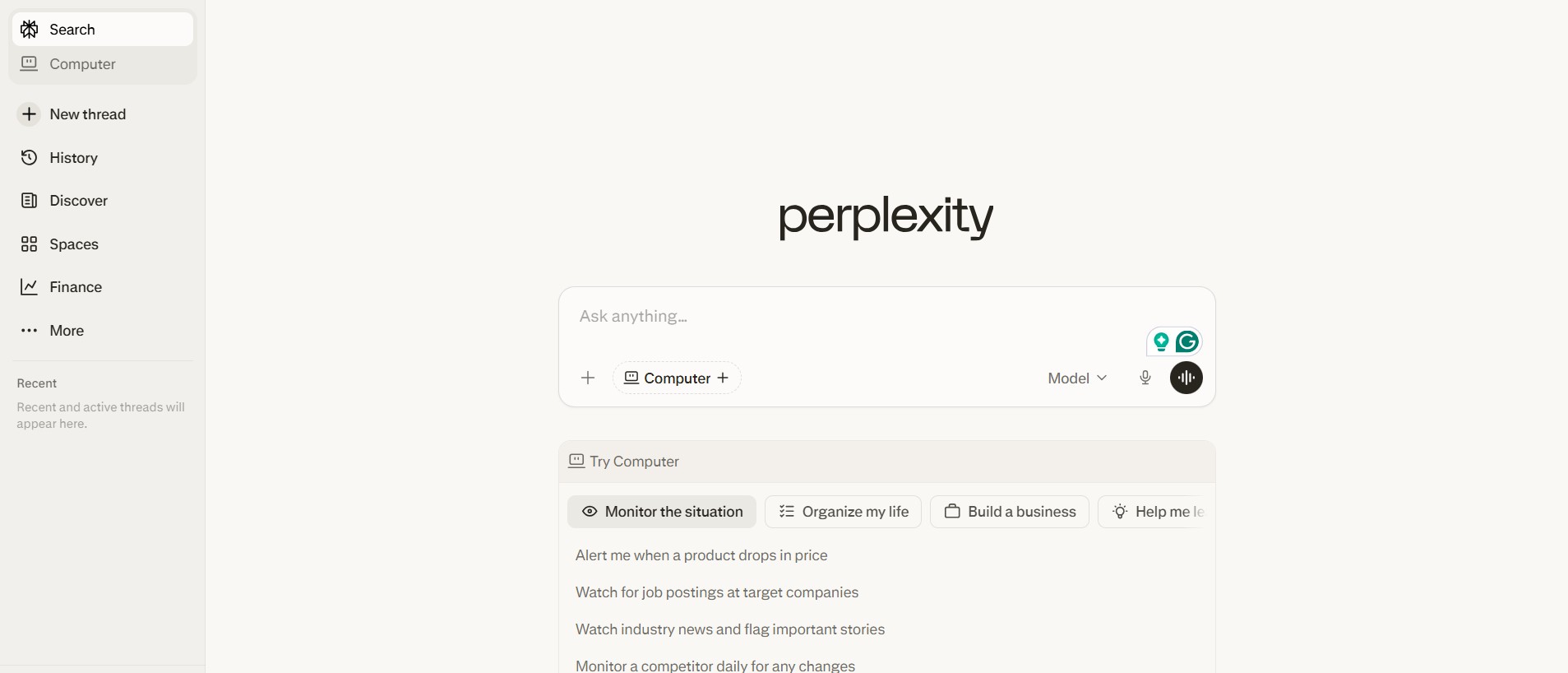
Perplexity AI functions as a search engine that writes answers with cited sources. It’s the antidote to the “I need a source for that” panic.
Unlike traditional chatbots that fabricate statistics, Perplexity scours the web in real-time, aggregates information, and provides a list of sources at the end of every response. The free tier offers unlimited quick searches and a generous number of “Pro” searches (more detailed, multi-step research queries) daily.
Why it wins for students:
It bridges the gap between Google Search and generative AI. You get the conversational interface of an AI with the accountability of footnotes.
Key Free Features:
-
Up to 5 Pro searches every 4 hours
-
Real-time web search with academic paper prioritization
-
File upload capabilities (images, PDFs) for analysis
-
Focus feature allows you to limit searches to “Academic” sources only
Best use case:
You’re writing a persuasive essay and need recent, credible statistics on climate policy. Use Perplexity’s “Academic” focus. It will pull from recent journals, preprints, and university publications, giving you a bulleted summary with direct links to the original studies.
3. Claude (Anthropic): The Long-Form Structuring Expert
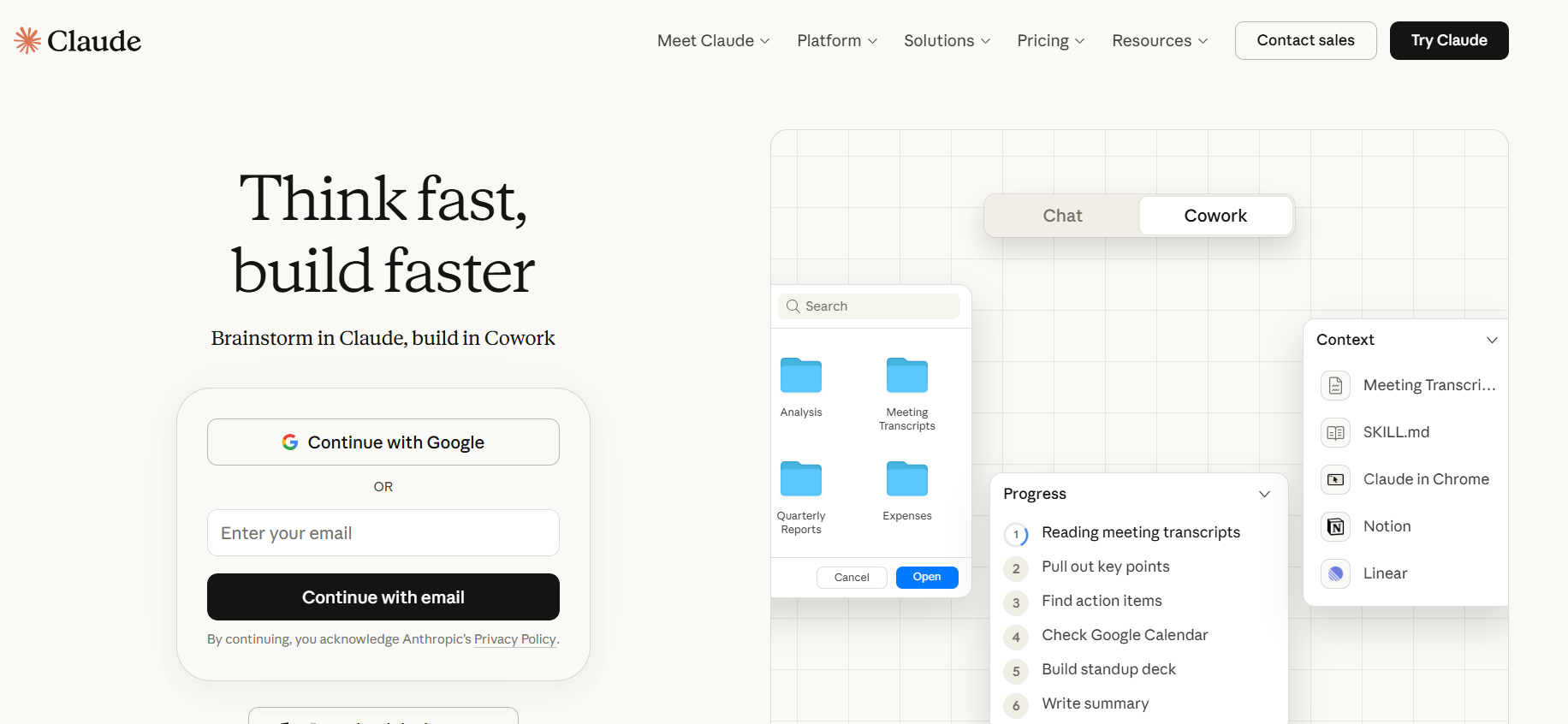
When it comes to processing massive amounts of text and maintaining coherent structure over thousands of words, Claude’s free tier is unmatched in 2026.
Claude’s architecture was built for context. The free version now offers a context window of over 100,000 tokens—roughly the length of a full novel. For students, this means you can paste your entire 15-page essay draft, your professor’s rubric, and your source list into one conversation. Claude will help you restructure, rewrite, and refine without “forgetting” what you discussed three pages ago.
Why it wins for students:
It excels at “voice” and structure. If you have scattered ideas and need to turn them into a cohesive thesis-driven essay, Claude’s prose tends to be more nuanced and less robotic than competitors.
Key Free Features:
-
100,000+ token context window
-
Project folders to organize ongoing coursework
-
Artifacts feature (displays long-form outputs like essays or outlines in a separate, editable window)
-
High-quality narrative and analytical writing style
Best use case:
You’ve written a 10-page essay but the argument feels disjointed. Paste the entire essay into Claude with your thesis statement. Ask: “Does every paragraph support my thesis? Suggest a revised structure that strengthens my argument.” Claude will analyze the flow and propose a new outline, often pointing out logical gaps you missed.
4. Microsoft Copilot (Free Tier): The Everyday Drafting Companion
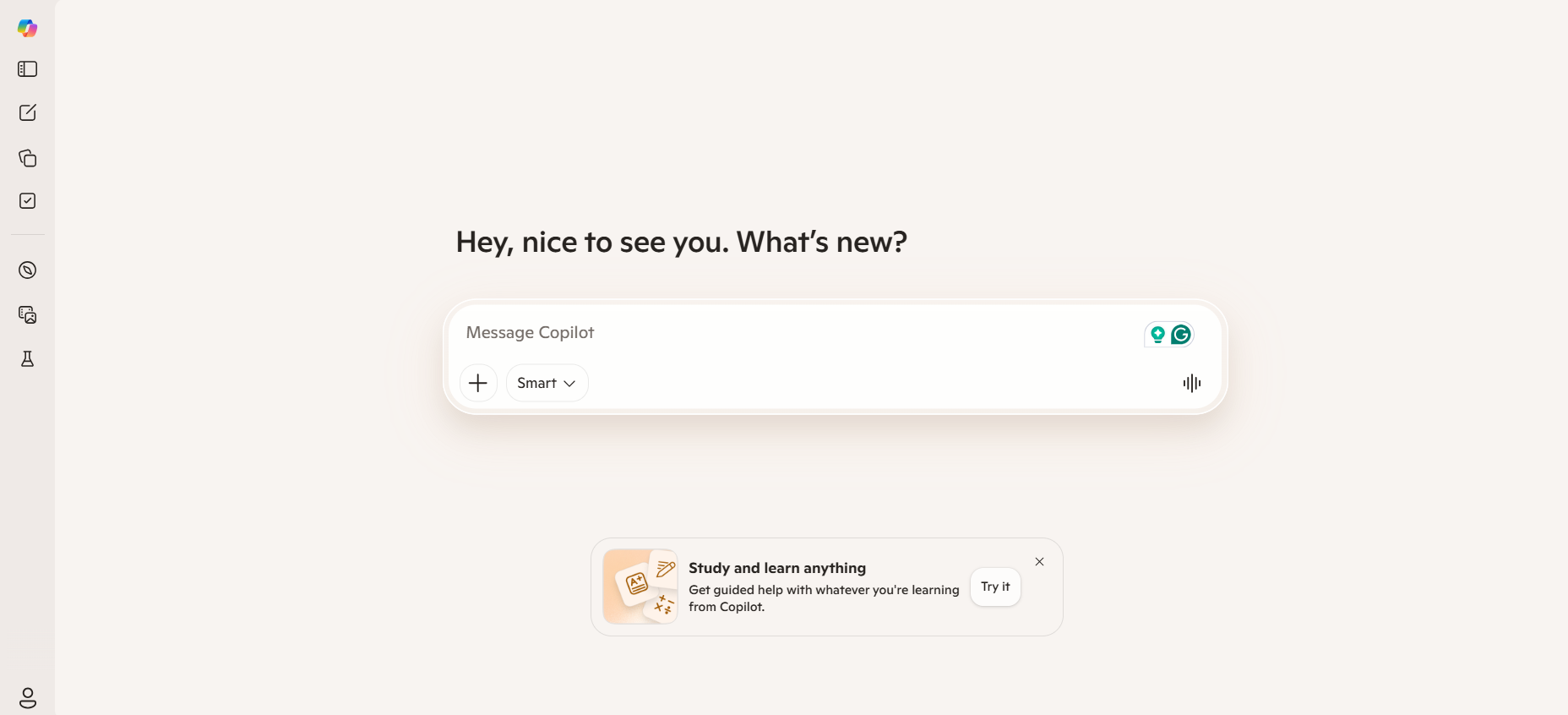
Microsoft Copilot has quietly become the most accessible free AI tool for students, especially if you use Word Online or Edge browser.
While its paid counterpart integrates deeply with Microsoft 365, the free tier—accessible via copilot.microsoft.com—offers GPT-4 level intelligence without a subscription. The advantage here is the seamless integration: you can draft an essay in Word Online and have Copilot rewrite paragraphs, summarize lengthy documents, or create tables of comparison directly within your workflow.
Why it wins for students:
It’s the most well-rounded generalist. It handles web search, document uploads, and image generation (via DALL-E) all in one free interface. For students juggling multiple subjects, having one tool that can switch from coding help to history essay assistance is a massive time-saver.
Key Free Features:
-
GPT-4 level intelligence
-
Web search toggle (easily verify facts)
-
Integration with Microsoft Word Online and Edge browser
-
File upload (up to 1GB per file) for analysis
Best use case:
You have a messy draft written across multiple days. Open it in Word Online. Use Copilot to “suggest a more concise version” of a bloated paragraph, then use it to “generate a table comparing the three theories” discussed in your paper. All without leaving your document.
Head-to-Head Comparison: Which Tool for Which Task?
Not every tool is built for every assignment. Use this comparison table to quickly match your task to the right tool.
| Task | Best Tool | Why |
|---|---|---|
| Research Synthesis | Google NotebookLM | Locks AI to your sources; provides exact citations. |
| Finding Academic Sources | Perplexity AI | Searches real journals; provides live footnotes. |
| Long Essay Structuring | Claude | Massive context window; excellent at flow and voice. |
| Quick Drafting & Editing | Microsoft Copilot | Seamless integration with Word; generalist strength. |
| Study Guide Creation | Google NotebookLM | Auto-generates FAQs, timelines, and audio summaries. |
| Literature Review | Perplexity AI + NotebookLM | Use Perplexity to find sources; NotebookLM to synthesize. |
How to Use AI Writing Tools Without Violating Academic Integrity
This is the most critical section of this article.
Using AI does not mean cheating. But using it carelessly will land you in academic trouble. The distinction lies in how you deploy these tools.
Do Use AI For:
-
Brainstorming: Generate 10 thesis ideas and refine the strongest one yourself.
-
Outlining: Ask for a structured outline based on your notes, then fill in the content using your own analysis.
-
Revision: Paste a paragraph and ask, “Is this passive voice? Suggest active alternatives.”
-
Summarization: Condense a 30-page reading into bullet points so you can engage with the material faster.
Do Not Use AI For:
-
Direct Substitution: Copying AI-generated text verbatim and submitting it as your own work. Most universities now use AI-detection software that flags this.
-
Fabricating Sources: Never ask an AI to “find sources” without verifying them through Perplexity or a library database. AI models often invent convincing but fake citations.
-
Bypassing Learning: If you use AI to write a lab report without understanding the methodology, you’re robbing yourself of the skill you’re paying tuition to acquire.
A Personal Note: I’ve seen students use NotebookLM to master organic chemistry by uploading lecture recordings and generating practice quizzes. I’ve also seen students fail courses because they pasted essay prompts into generic chatbots and submitted the raw output. The difference is engagement. Treat these tools as study partners, not ghostwriters.
Maximizing Free Tiers: How to Avoid Hitting Usage Limits
Free tools come with limits. Here’s how to stretch them across a full semester without paying a cent.
-
Rotate Tools: If you hit Claude’s limit for the day, switch to Microsoft Copilot or Perplexity for different tasks. Each tool has its own usage counter.
-
Use NotebookLM for Storage: NotebookLM’s free tier allows 50 sources. Use it as a permanent repository for your semester’s readings. You can always refer back to it without re-uploading.
-
Leverage Voice and Mobile: Many free tiers offer voice input. Use this to dictate ideas when walking between classes, saving your “chat message” allowance for complex prompts.
-
Batch Your Tasks: Instead of 20 separate short chats, consolidate. Upload a single document and ask 10 questions about it in one thread. This is more efficient and often bypasses per-message rate limits.
The Future of Free AI Writing Tools: What’s Coming in 2026
The landscape we see today is not static. Based on current development trends, students can expect three major shifts in the second half of 2026:
-
Decreased Hallucination Rates: New retrieval-augmented generation (RAG) architectures—like those used in NotebookLM—will become standard. Even general chatbots will increasingly cite sources by default.
-
Native Citation Formatting: Expect free tools to begin offering one-click APA, MLA, and Chicago citation generation directly within chat interfaces.
-
University-Sanctioned Licenses: More universities are negotiating institutional licenses for AI tools. Check your student portal—you may already have free access to premium tiers through your school.
Frequently Asked Questions
1. Can I use free AI writing tools to write my entire essay?
No, and you shouldn’t. Free AI tools can help with outlining, research, and revision, but submitting AI-generated text as your own violates most academic integrity policies. Use them as assistants, not authors.
2. Which free AI tool is best for citing sources?
Perplexity AI is the best free tool for cited sources. Every response includes clickable footnotes linking to the original articles, journals, or websites it used to generate the answer.
3. Are free AI writing tools safe to use with my personal data?
Generally yes, but avoid uploading highly sensitive or unpublished research. Major platforms like Google, Microsoft, and Anthropic have strict data privacy policies, but free tiers may use your data to improve models. Review the privacy policy before uploading confidential work.
4. What is the free AI tool with the largest context window?
Claude (Anthropic) offers the largest context window on a free tier, handling over 100,000 tokens—enough for a full novel or your entire semester’s readings in one conversation.
5. How do I avoid AI detection when using these tools?
The goal is not to “avoid” detection but to use AI ethically. If you use AI for brainstorming and editing—not generation—your writing will retain your unique voice. Always review, rewrite, and add your own analysis to any AI-assisted work.
Conclusion
The era of paying $20 to $30 per month for decent AI assistance is over.
In 2026, students have access to a suite of free tools that are more capable, more accurate, and better suited for academic work than their paid predecessors from just two years ago. By strategically using NotebookLM for research, Perplexity for citations, Claude for structure, and Microsoft Copilot for drafting, you can build a complete academic workflow for exactly zero dollars.
But here’s the real value: these tools don’t just save you money. They save you time—the one resource students never have enough of.
Stop wrestling with scattered notes and questionable sources. Start working smarter.
Bookmark this guide. Set up your free accounts today. And the next time you’re facing a 2,000-word essay with a tight deadline, you’ll know exactly which tool to open first.