Your internet provider can legally sell your browsing history. In the US, that’s been true since 2017 — and most people still don’t know it.
Every time you connect to public Wi-Fi at a café, airport, or hotel, your data is exposed. Hackers, advertisers, and surveillance systems can see what you’re doing online — often without much effort. That’s not paranoia. That’s just how the internet works right now.
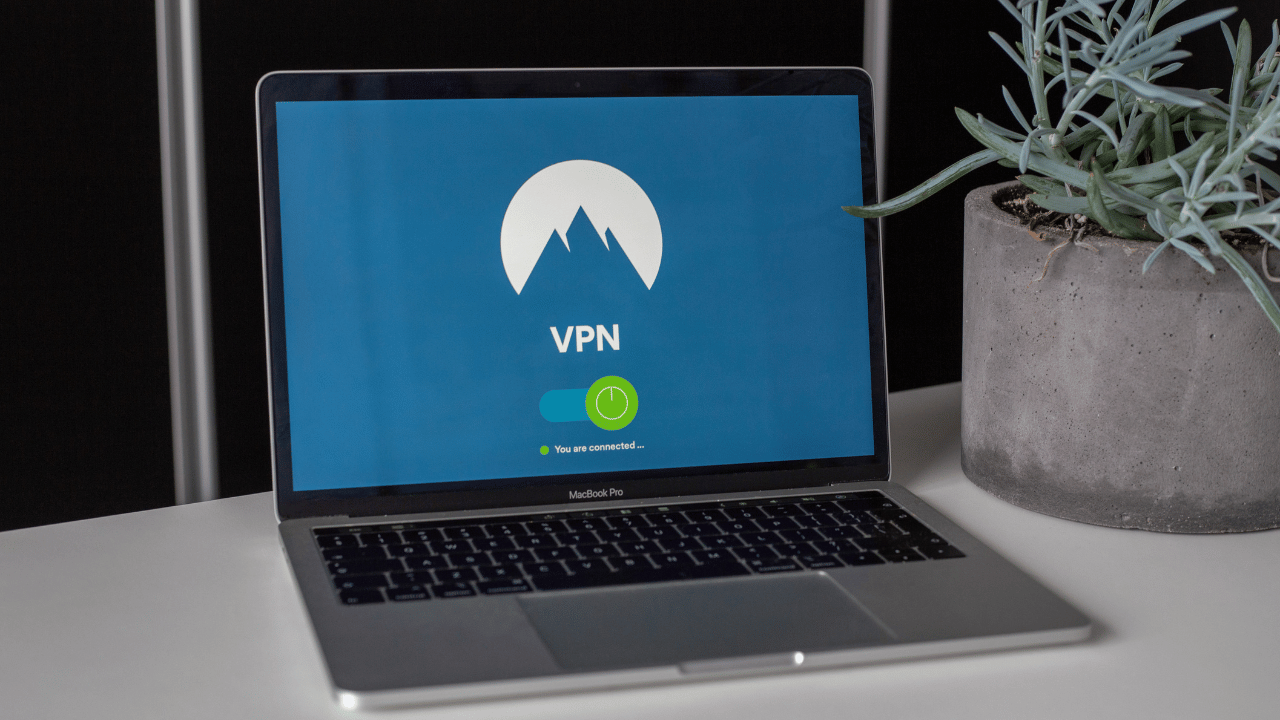
So where does a VPN fit in? A Virtual Private Network encrypts your internet traffic and masks your IP address, essentially creating a private tunnel between your device and the web. Simple concept. Massive implications. But here’s the honest truth — not everyone needs one, and the wrong VPN can actually make things worse.
In this article, I’ll break down exactly what a VPN does, when it genuinely protects you, and whether paying for one in 2026 is actually worth it. No fluff, no fear-mongering — just the facts you need to make a smart decision.
What is a VPN? The Plain-English Definition
VPN stands for Virtual Private Network. It’s a piece of software that creates an encrypted, secure connection between your device and the internet — routing your traffic through a remote server operated by your VPN provider.
Think of it this way. Normally, when you browse the web, your ISP can see every website you visit. So can the Wi-Fi network you’re on, and potentially government agencies depending on your country. A VPN puts a wall around all of that.
When you connect to a VPN server in, say, Germany, websites see a German IP address — not yours. Your ISP sees only encrypted data headed to a VPN server, not your actual browsing activity. That’s the core value proposition.
How Does a VPN Work, Technically?
When you activate a VPN on your device, here’s exactly what happens:
- Your VPN app encrypts your data before it leaves your device
- The encrypted data is sent to a VPN server in a location you choose
- The VPN server decrypts the data and forwards your request to the website
- The website responds to the VPN server, which re-encrypts the response
- Your device decrypts and displays the content — all within milliseconds
Modern VPNs use AES-256 encryption — the same standard used by governments and militaries worldwide. It’s virtually unbreakable with current computing technology. Most users don’t notice the VPN running at all, except for an occasional slight dip in connection speed.
What is VPN Used For? The Real-World Use Cases
Understanding what a VPN is used for helps you decide whether you actually need one. The use cases are broader than most people realise.
Privacy From Your ISP
In the US, ISPs are legally allowed to collect and sell anonymised browsing data to advertisers. In the UK, the Investigatory Powers Act requires ISPs to store your browsing history for 12 months. A VPN prevents your ISP from seeing your activity — they only see that you’re connected to a VPN server.
Security on Public Wi-Fi
Public Wi-Fi is a hacker’s playground. Unsecured networks in hotels, airports, and cafés are vulnerable to man-in-the-middle attacks, where a bad actor intercepts your traffic. This is especially dangerous when logging into banking apps, email, or work platforms. A VPN encrypts that traffic entirely — making any intercepted data completely unreadable.
Bypassing Geo-Restrictions
Streaming platforms like Netflix, BBC iPlayer, and Hulu maintain different content libraries across countries due to licensing agreements. A VPN lets you connect to a server abroad and access that region’s content. It genuinely works — though streaming services continuously try to block known VPN IP addresses.
Remote Work Security
For businesses, VPNs are non-negotiable. They allow employees to securely access internal company networks from anywhere in the world, as if physically sitting in the office. A corporate VPN ensures sensitive business data stays encrypted even when staff work remotely or travel.
Bypassing Censorship
In countries with heavy internet censorship — China, Russia, and Iran among them — VPNs are widely used to access blocked websites including Google, YouTube, and social media. This is a high-stakes use case, and in some countries, unauthorised VPN usage carries legal risk.
VPN vs. No VPN: A Quick Comparison
| Feature | Without VPN | With VPN |
|---|---|---|
| IP Address | Visible to all | Hidden |
| ISP Tracking | Full visibility | Blocked |
| Public Wi-Fi Risk | High | Significantly reduced |
| Geo-restrictions | Applied | Bypassed |
| Data Encryption | None | AES-256 |
| Anonymous Browsing | No | Partial |
| Speed Impact | None | Minor reduction |
What Are the VPN Benefits You Actually Care About?
Let’s get specific. The VPN benefits that matter most to everyday users in 2026 are:
- Data encryption on any network — public or private
- IP address masking for improved anonymity
- Access to geo-blocked streaming content and services
- ISP throttling prevention — some ISPs slow down video streams intentionally, and a VPN bypasses this
- Safer P2P file sharing and torrenting
- Protection on hotel and airport networks while travelling internationally
What a VPN does NOT do: it won’t make you invisible online, it won’t protect you from malware or phishing attacks, and it won’t stop tracking via cookies or browser fingerprinting. A VPN is one powerful layer of security — not a complete privacy solution on its own.
Do You Really Need a VPN in 2026?
Here’s the honest answer: it depends entirely on how and where you use the internet.
If you work remotely, frequently use public Wi-Fi, travel internationally, or care about your digital privacy — yes, a VPN is genuinely worth it. The threat landscape in 2026 is more sophisticated than ever. Data breaches, surveillance capitalism, and government overreach are not abstract concerns. They’re daily realities.
You Probably Need a VPN If You:
- Travel frequently and connect to hotel or airport networks
- Work remotely and access company systems over the internet
- Use streaming services and want access to international content libraries
- Live in or visit countries with internet censorship
- Regularly use public hotspots for banking, shopping, or email
- Want to stop your ISP from profiling your browsing habits
You Might Not Need a VPN If You:
- Only browse at home on a trusted, private network
- Already use HTTPS-only sites and a secure DNS resolver
- Have enterprise-level security managed by your employer
- Have no interest in geo-restrictions or content access abroad
The cost argument is also increasingly irrelevant. Premium VPNs now cost as little as $2–$5 per month. For the protection they offer, that’s one of the best-value digital tools available.
Free VPN vs. Paid VPN: What’s the Actual Difference?
This is where most people go wrong. Not all VPNs are equal — and free VPNs can be outright dangerous.
Many free VPN providers monetise their service by collecting and selling user data to advertisers — the exact thing you’re trying to prevent. Others use weak encryption protocols, impose strict data caps, or deliver speeds so slow they’re practically useless for anything beyond light browsing.
Paid VPNs, particularly those with independently audited no-log policies, offer far superior security, faster speeds, a wider server network, and reliable customer support. In 2026, the top-rated services are transparent about their infrastructure and have verified track records.
The rule is simple: if you’re not paying for the product, you are the product.
VPN Protocols Explained: What Actually Powers Your Connection?
When selecting a VPN, you’ll frequently encounter references to protocols — the technical methods used to build and secure your connection. The main ones in active use in 2026:
- WireGuard — Modern, lightweight, and extremely fast. Now the gold standard for most consumer VPNs
- OpenVPN — Open-source, battle-tested, and highly secure. Slightly slower but widely trusted
- IKEv2/IPSec — Excellent for mobile due to fast reconnection when switching between networks
- L2TP/IPSec — Older and less recommended; considered weaker by current security standards
For most users, WireGuard is the go-to protocol in 2026. It delivers exceptional speeds without compromising on encryption — a significant improvement over older protocols that were notorious for sluggish performance.
How to Choose the Right VPN: What Actually Matters
With hundreds of services on the market, choosing a VPN can feel overwhelming. Here’s what genuinely matters:
- No-logs policy — Your provider should store zero records of your browsing. Look for independent third-party audits confirming this
- Jurisdiction — VPNs based in privacy-friendly countries like Panama or Switzerland face less pressure to hand over user data
- Kill switch — Cuts your internet if the VPN connection drops, preventing accidental data exposure
- Server network — More servers across more countries means better speeds and broader content access
- Device compatibility — A quality VPN should work seamlessly across laptops, phones, tablets, and smart TVs
- Speed — Check independent speed benchmarks and real user reviews before committing
In 2026, top-rated consumer VPNs include NordVPN, ExpressVPN, Surfshark, and Mullvad — each excelling in different areas. Read independent audit reports and user reviews before making a decision.
Frequently Asked Questions
A VPN encrypts your internet traffic and routes it through a secure server, masking your IP address and protecting your data from hackers, ISPs, and surveillance. It creates a private, encrypted tunnel between your device and the internet.
Yes, VPNs are legal in most countries including the US, UK, and the EU. However, some countries — including China, Russia, and the UAE — have restrictions or outright bans on VPN usage. Always check local laws before using one abroad.
No. A VPN significantly improves privacy but doesn’t make you fully anonymous. Your VPN provider can still see your traffic, and browser fingerprinting or cookies can still track you across sites. It’s one strong layer of privacy, not total invisibility.
For maximum privacy, yes. It can reduce speeds slightly, but the protection is worth it. At minimum, always use a VPN on public Wi-Fi, when accessing banking or work systems, and when travelling to countries with heavy internet censorship.
Top-rated options include NordVPN, ExpressVPN, and Mullvad — each offering strong AES-256 encryption, independently audited no-log policies, and fast WireGuard connections. The best choice depends on your specific use case, device needs, and budget.
The Bottom Line
So, what is a VPN? It’s a privacy tool that encrypts your internet traffic, hides your IP address, and creates a secure tunnel between your device and the web. It’s not magic and it’s not a cure-all — but for the problems it solves, it does so extremely well.
In 2026, data privacy is not a luxury. It’s a basic digital right. The internet we use every day is more surveilled, more commercialised, and more aggressively targeted than most people realise. A VPN is one of the simplest, most affordable steps you can take to push back against that.
Whether you’re a frequent traveller, a remote worker, a privacy-conscious professional, or just someone tired of being tracked everywhere online — a VPN is worth every penny.
Don’t wait for a breach to take privacy seriously. Start protecting yourself today.
→ Ready to choose? Read our full guide to the best VPN services in 2026 and find the right one for your needs.