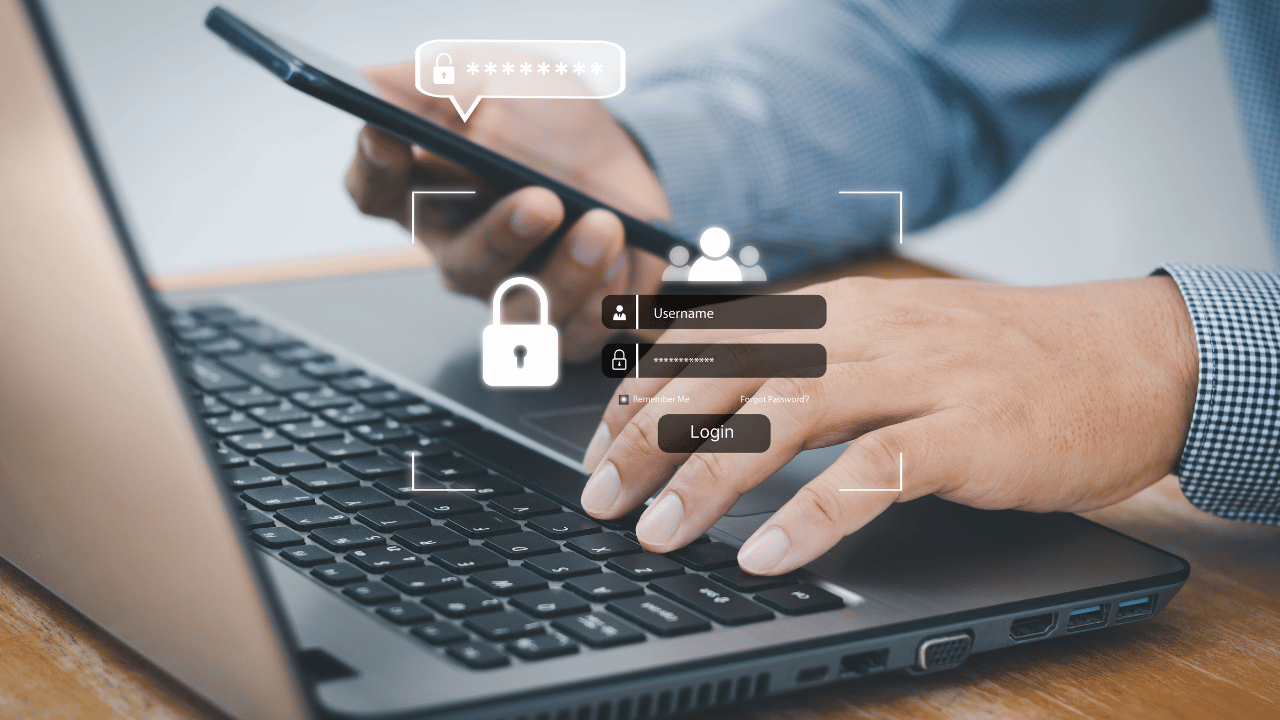
Your password was probably leaked years ago. It’s sitting in a database somewhere, waiting. In 2024, over 1 billion credentials were exposed in data breaches — and the scary part? Most people had no idea until the damage was done.
Here’s the thing: a strong password isn’t enough anymore. Hackers don’t break in, they log in. They buy stolen credentials in bulk, run automated attacks, and move on before you’ve had your morning coffee. One layer of security is simply one layer too few.
That’s exactly where two-factor authentication (2FA) comes in. It’s not a complicated concept, and it doesn’t require a background in IT to set up. But it’s one of the single most effective steps you can take right now to protect your accounts — whether that’s your email, your banking app, or your business tools. We’re talking about something that blocks over 99% of automated account attacks, according to Google.
I’ll walk you through exactly what 2FA is, how it works, and — more importantly — why you should have turned it on yesterday.
| Quick Answer
Two factor authentication (2FA) is a security process that requires two forms of identity verification before granting access to an account — typically a password plus a one-time code. It significantly reduces the risk of unauthorised access, even if your password is stolen, making it one of the most effective ways to protect your online accounts. |
What Is Two Factor Authentication?
Two factor authentication is a method of verifying your identity using two separate, distinct factors before granting you access to an account or system. The idea is straightforward: even if someone has your password, they still can’t get in without that second factor.
Think of it like your front door having both a lock and a deadbolt. One key gets you halfway there. You need both to open the door.
The three categories of authentication factors are:
- Something you know — your password, PIN, or security question
- Something you have — your phone, a hardware key, or a smart card
- Something you are — your fingerprint, face ID, or retina scan
Two factor authentication requires any two of these categories. Most commonly, you’ll use your password (something you know) plus a one-time code sent to your phone (something you have). That combination is the foundation of modern account security.
Two Factor Authentication vs Multi-Factor Authentication
You’ll often hear the terms 2FA and MFA used interchangeably. They’re closely related, but not identical. Two factor authentication specifically uses two factors. Multi-factor authentication (MFA) is the broader umbrella term that covers any combination of two or more authentication factors.
In practice, most business security systems use MFA, which might include a password, an authenticator app code, and a device fingerprint check. For individuals, 2FA is the standard and is more than sufficient for protecting everyday accounts.
How Does Two Factor Authentication Work?
The process is simpler than it sounds. Here’s what happens in a typical two factor authentication login:
- You enter your username and password as usual
- The platform confirms your credentials are correct
- Instead of letting you straight in, it prompts you for a second verification
- You provide the second factor — a code from an app, an SMS, or a hardware key
- Access is granted only after both factors are verified
The entire process takes about 10 extra seconds. That’s all it costs you. And what it buys? An exponentially higher level of protection for your accounts.
The one-time codes generated by authenticator apps are typically valid for only 30 seconds, which means even if someone intercepts the code, it’s useless almost immediately. That’s intentional design, not a limitation.
What Are the Different Types of Two Factor Authentication?
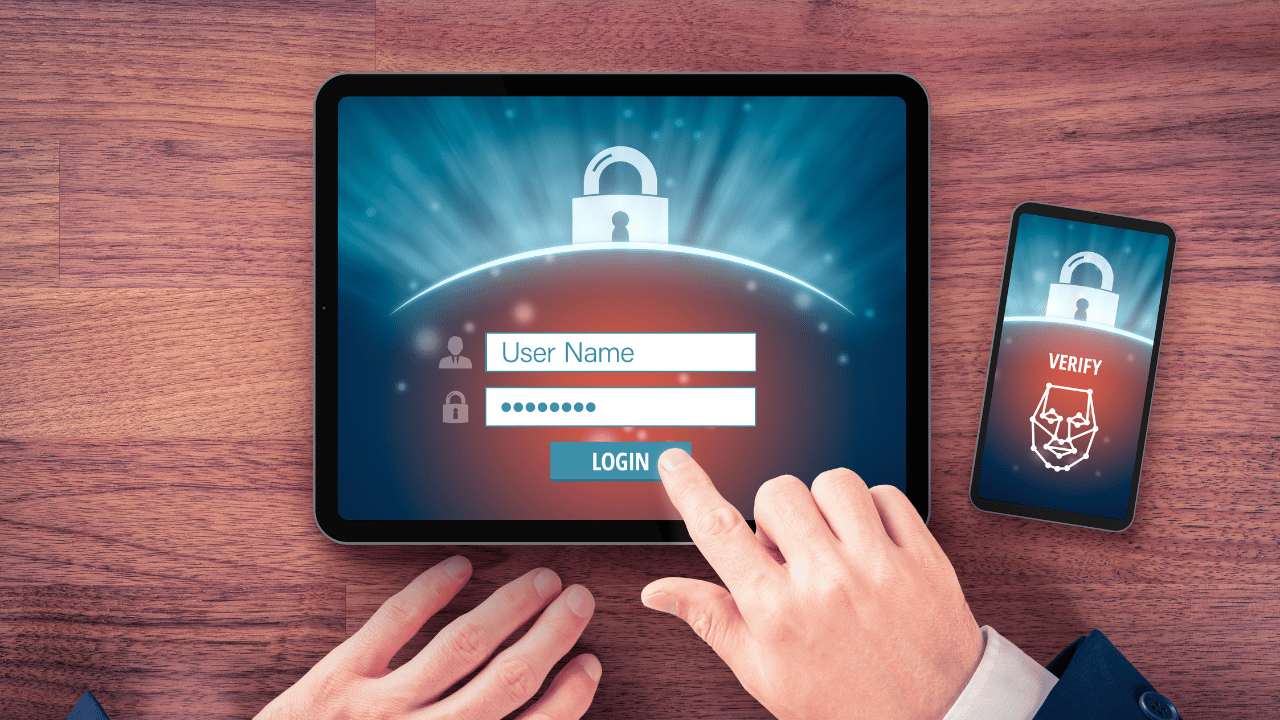
Not all 2FA methods are created equal. Here’s a breakdown of the most common types, how they work, and where they shine:
SMS-Based Authentication
This is the most widely used form of 2FA. After entering your password, you receive a text message with a one-time code. Simple, familiar, and supported by almost every platform. The downside? It’s the weakest form of 2FA. SIM swapping attacks — where a cybercriminal convinces your mobile carrier to transfer your number to their SIM — can intercept these codes. For most personal accounts, it’s still a significant step up from no 2FA at all. For high-value accounts like banking or business tools, aim higher.
Authenticator Apps
Apps like Google Authenticator, Microsoft Authenticator, and Authy generate time-based one-time passwords (TOTP) directly on your device, with no SMS needed. These codes refresh every 30 seconds and work even without an internet connection. This method is far more secure than SMS and almost as convenient. It’s what I’d recommend for most people.
Hardware Security Keys
A physical device — like a YubiKey — that you plug into your computer or tap against your phone. These are the gold standard of two factor authentication security. They’re phishing-resistant by design because the key communicates directly with the specific website you’re on, making man-in-the-middle attacks essentially impossible. They’re the preferred choice for high-risk environments: executives, developers, financial institutions, and anyone handling sensitive data.
Biometric Authentication
Face recognition, fingerprint scanning, and voice recognition all fall into this category. Increasingly common on mobile devices and some laptops, biometrics offer a seamless user experience. The tradeoff is that biometric data is permanent — you can change a password, but you can’t change your fingerprint. Most implementations store biometric data locally on the device, which mitigates risk significantly.
Push Notifications
Some apps (like Duo Security) send a push notification to your registered device, asking you to approve or deny a login attempt. It’s quick, intuitive, and more secure than SMS since it’s tied to an app on a verified device rather than a phone number. One thing to watch for: ‘MFA fatigue’ attacks, where attackers repeatedly send push requests hoping you’ll accidentally approve one.
2FA Method Comparison
| Method | Security Level | Ease of Use | Best For |
| SMS Code | Medium | Very Easy | Basic accounts |
| Authenticator App | High | Easy | Most accounts |
| Hardware Key | Very High | Moderate | High-value accounts |
| Biometrics | High | Very Easy | Mobile devices |
Why Do You Need Two Factor Authentication?
Let’s be direct: if you’re not using two factor authentication on your important accounts, you’re taking a risk that simply isn’t worth it. Here’s why it matters more than ever in 2026.
Passwords Alone Are No Longer Enough
The average person reuses passwords across multiple sites. Even people who don’t reuse passwords often use variations that are predictable. Credential stuffing attacks — where hackers test millions of leaked username and password combinations against popular platforms — succeed because of this. Two factor authentication breaks the attack chain. Even if your password is in a leaked database, the attacker hits a wall at the second factor.
Data Breaches Are Inevitable
Between 2019 and 2024, billions of accounts were compromised across platforms including LinkedIn, Facebook, Adobe, and dozens of others. Your email address and password are almost certainly part of at least one breach. Tools like Have I Been Pwned let you check. The reality is you can’t fully prevent your data from being leaked — but you can make sure a leaked password is useless on its own.
The Cost of a Compromised Account Is High
For individuals, a hacked account can mean identity theft, financial loss, and months of recovery. For businesses, the stakes are higher. A single compromised employee account can give attackers access to internal systems, client data, financial records, and more. The IBM Cost of a Data Breach Report 2024 found that the average cost of a data breach globally reached $4.88 million USD. Two factor authentication is a fraction of that cost to implement.
Compliance and Regulation Are Pushing 2FA
Regulations including GDPR, HIPAA, SOC 2, and PCI-DSS increasingly require or strongly recommend multi-factor authentication for accessing sensitive data. If your business handles customer data, financial records, or healthcare information, enabling 2FA isn’t just smart — it may be a legal requirement.
How to Set Up Two Factor Authentication
Getting started with two factor authentication is easier than most people expect. Here’s a general process that applies to most major platforms:
- Go to your account’s security or privacy settings
- Look for ‘Two-Factor Authentication,’ ‘Two-Step Verification,’ or ‘Login Security’
- Choose your preferred method — authenticator app is recommended
- If using an app, scan the QR code shown with Google Authenticator or Authy
- Enter the code generated to confirm the setup is working
- Save your backup codes somewhere secure — a password manager is ideal
Most major platforms — Google, Microsoft, Apple, Facebook, Twitter/X, LinkedIn, Dropbox, and banking apps — all support two factor authentication. If a platform doesn’t offer it, that’s worth noting as a security limitation when deciding how much sensitive information to store there.
Which Authenticator App Should You Use?
Google Authenticator is the most widely supported and beginner-friendly option. Authy offers cloud backup and multi-device sync, which is useful if you switch phones frequently. Microsoft Authenticator integrates particularly well with Microsoft 365 and Azure environments. For most people, any of these three will serve them well.
Two Factor Authentication for Businesses
For organisations, deploying two factor authentication is one of the highest-ROI security investments available. It’s not just about protecting individual accounts — it’s about building a culture of security from the ground up.
Business-grade 2FA deployments typically involve:
- Enforcing 2FA across all employee accounts through an identity provider like Okta or Microsoft Entra ID
- Requiring hardware keys for privileged users and administrators
- Integrating 2FA with single sign-on (SSO) platforms for seamless but secure access
- Training employees to recognise MFA fatigue attacks and suspicious authentication prompts
- Setting up conditional access policies — for example, requiring 2FA only when logging in from an unrecognised device
The goal isn’t to create friction for your team — it’s to make sure that friction falls on the attacker, not the employee. Well-implemented 2FA is barely noticeable in daily workflows.
Common Misconceptions About Two Factor Authentication
“It’s too complicated for non-technical users”
Modern 2FA, particularly push notifications and biometrics, is designed for ease of use. If you can receive a text message or use Face ID, you can use two factor authentication. Most setups take under two minutes.
“It slows me down too much”
The typical 2FA step adds around 10 seconds to your login. That’s a very reasonable trade-off for dramatically better account security. And many platforms support ‘trusted device’ settings, so you only need to re-verify when logging in from a new browser or location.
“My accounts aren’t interesting enough to be targeted”
Automated attacks don’t discriminate based on who you are. Bots scan leaked credential databases and attempt logins on thousands of platforms simultaneously. Your email account alone holds the keys to resetting passwords on every other account you own. That makes it a very attractive target.
Frequently Asked Questions About Two Factor Authentication
Q1: Is two factor authentication really necessary?
A: Yes. Two factor authentication is one of the most effective security measures available. It blocks over 99% of automated attacks, even when your password has already been compromised. With data breaches at an all-time high, enabling 2FA on every account you care about is not optional — it’s essential.
Q2: What happens if I lose my phone with 2FA enabled?
A: Most platforms provide backup codes when you first set up 2FA. Store these in a safe place — a password manager or printed copy locked away. You can also register a secondary device or use account recovery options provided by the service.
Q3: Is SMS-based 2FA safe?
A: It’s better than nothing, but it’s the weakest form of 2FA. SIM swapping attacks can intercept SMS codes. Wherever possible, use an authenticator app like Google Authenticator or Authy, or a hardware key for stronger protection.
Q4: Can 2FA be hacked?
A: Advanced attacks like real-time phishing can intercept 2FA codes, but these are rare and targeted. For most people and businesses, 2FA dramatically reduces risk. Authenticator apps and hardware keys are more resistant to such attacks than SMS.
Q5: What is the difference between 2FA and MFA?
A: Two factor authentication (2FA) uses exactly two verification methods. Multi-factor authentication (MFA) is the broader term covering any combination of two or more factors. All 2FA is MFA, but MFA can include three or more layers of security.
Final Thoughts
Two factor authentication isn’t a silver bullet. No single security measure is. But it is one of the most practical, accessible, and impactful things you can do right now to protect your accounts. It takes minutes to set up. It costs nothing on most platforms. And it turns a stolen password from a disaster into an inconvenience.
Start with your email and banking accounts — these are the highest-value targets. Then work through your business tools, social media, and anywhere you’ve saved payment information. Use an authenticator app where possible, and graduate to a hardware key if you’re managing sensitive business systems.
Security doesn’t have to be complicated. It just has to be consistent.
Ready to take the next step?
If you found this guide useful, explore our related articles on building a complete cybersecurity strategy for individuals and businesses. Or if you’d like help implementing 2FA and stronger security practices across your organisation, get in touch with our team today.