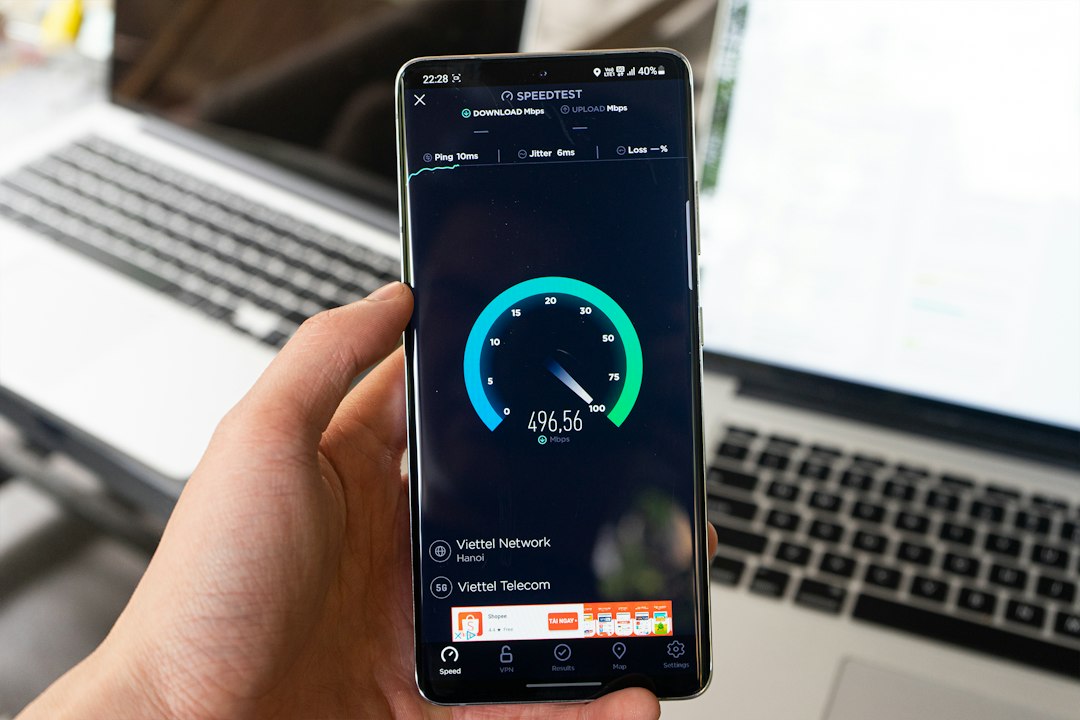
To check website speed on mobile, enter your page URL into a free speed test, wait for the mobile test to finish and read the scores and Core Web Vitals. Start with our free website speed test, then fix the biggest issues in the report. The whole check takes about a minute.
Key takeaways
- Test mobile first, because Google uses mobile-first indexing and mobile tests are stricter.
- A mobile performance score of 90 to 100 is good, 50 to 89 needs improvement and 0 to 49 is poor (Google).
- Check both lab data (the test) and field data (real visitors) when it is available.
- Run the test two or three times, because scores vary between runs.
Why should you check website speed on mobile?
Checking website speed on mobile shows how your pages load for visitors on phones, who are often on slower networks and weaker devices. Google uses the mobile version of a page for indexing, so mobile speed also affects how your site is understood and ranked. A page that looks fast on your laptop can still feel slow on a phone.
How do you check website speed on mobile with a free tool?
You check mobile speed by running a Lighthouse-based test on your page URL. The steps below work with our tool and with Google PageSpeed Insights.
- Open our free page speed checker.
- Paste the full URL of the page you want to test, such as your homepage or a key landing page.
- Select the mobile test and start the analysis.
- Read the Performance, SEO, Accessibility and Best Practices scores.
- Open the list of issues and note the biggest ones.
- Fix one issue, then run the test again to confirm the change.
How do you check mobile speed with Google PageSpeed Insights?
Google PageSpeed Insights is a free tool from Google that tests a URL on mobile and desktop. Enter the URL, open the Mobile tab and wait for the report. It shows field data from real Chrome users when enough data exists, followed by lab results from a Lighthouse test.
Use it as a second opinion alongside our tool. Small differences between tools are normal because each test runs under slightly different conditions.
How do you test mobile speed in Chrome DevTools?
Chrome DevTools lets you test mobile speed directly in your browser. Open your page in Chrome, right-click and choose Inspect, open the Lighthouse panel, select Mobile and run the report. This is useful for checking pages that are not public yet, or for testing a change before you publish it.
What do mobile speed test results mean?
Mobile speed results combine an overall score with detailed metrics. The score is a quick summary, and the metrics show what to fix.
| Result | Good | What it tells you |
|---|---|---|
| Performance score | 90 to 100 | Overall lab speed summary |
| LCP | 2.5 seconds or less | How fast the main content loads |
| INP | 200 ms or less | How quickly the page responds to taps |
| CLS | 0.1 or less | How stable the layout is |
The LCP, INP and CLS thresholds come from Google’s Core Web Vitals guidance on web.dev. For a deeper look at scoring, read what a good PageSpeed score is.
Why is my mobile speed score low?
A low mobile score usually comes from large images, render-blocking code, too many third-party scripts or slow hosting. The mobile test simulates a slower network and a less powerful processor, so these problems show up more clearly than on desktop. Work through the issues from biggest to smallest.
- Compress and resize images
- Enable caching and compression
- Remove unused JavaScript and CSS
- Limit ads, chat widgets and trackers
Our guide on how to improve website speed explains each fix step by step.
Frequently asked questions
How can I check my website speed on my phone?
Open a speed test tool in your phone browser, paste your URL and run the mobile test. You can use our free tool or Google PageSpeed Insights. Both work in a mobile browser and show the same type of scores and issues.
Is mobile speed more important than desktop speed?
For most sites, yes. Google uses mobile-first indexing, and most visitors browse on phones. Fix mobile issues first, because those fixes usually improve desktop scores too.
What is a good mobile page speed score?
A mobile score of 90 or above is good, 50 to 89 needs improvement and below 50 is poor, according to Google. A steady green score is a realistic goal for most sites.
Why is my mobile score different on every test?
Network conditions, server response and background tasks vary between runs, so small changes are normal. Test two or three times and look at the overall pattern.
How often should I test my mobile speed?
Test after every theme, plugin or design change, and at least once a month for your key pages. Regular checks help you catch problems early.
Can I check the speed of any website?
Yes. Public speed tests work on any page that anyone can open without a login. You can test your own site and compare it with competitors.
Conclusion
Checking website speed on mobile takes a minute and shows exactly what to fix. Test your key pages, start with the biggest issue and re-test after each change. Run your first check now with our free website speed test.