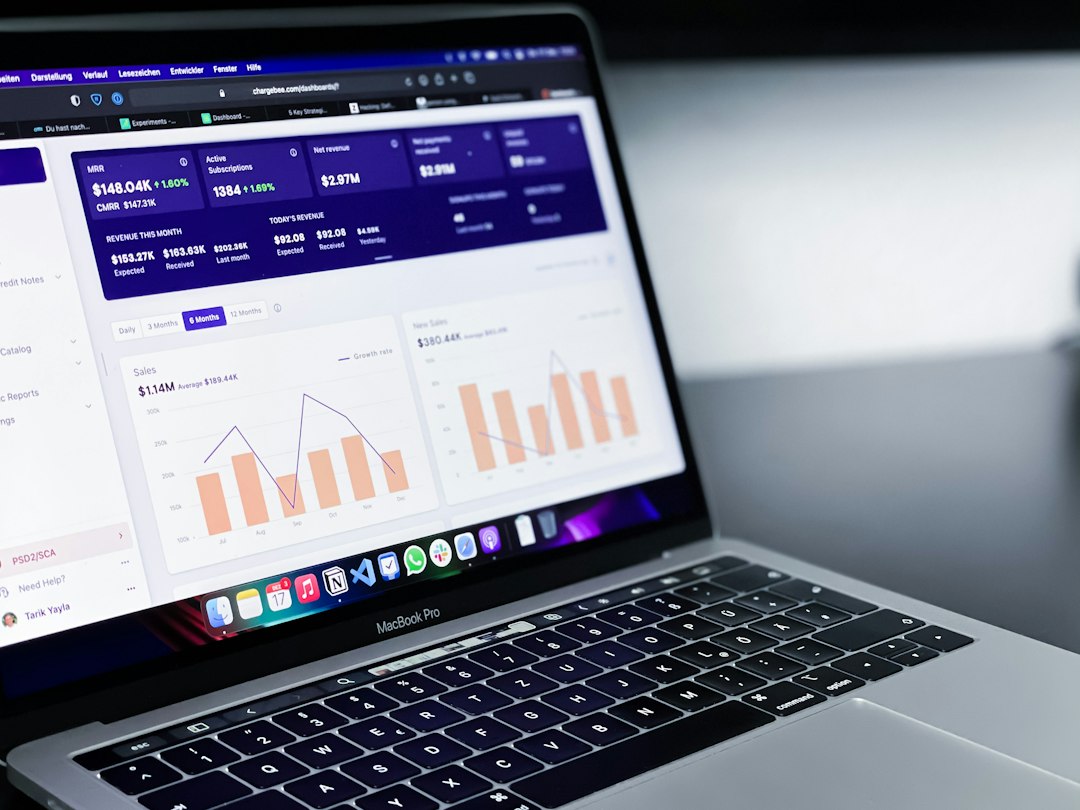
The best website optimization tools fall into four groups: speed testing tools, image optimizers, caching tools and a CDN. Start with a free speed test such as our free website speed test or Google PageSpeed Insights to find your biggest problem, then pick the tool from the matching group. You rarely need all of them.
Key takeaways
- Test first. The report tells you which type of tool you actually need.
- Images, caching and a CDN give the biggest gains for most sites.
- Use one tool per job. Several caching or optimization plugins together can conflict.
- Check current pricing and features on each tool’s own website, because they change.
What are website optimization tools?
Website optimization tools help you measure and improve how fast and how well your site works. Some find problems, such as speed testers. Others fix them, such as image compressors, caching plugins and content delivery networks.
Which speed testing tools are best?
- Our free speed test: a quick check of any public URL. Run a test.
- Google PageSpeed Insights: Lighthouse score plus real-user Core Web Vitals. See how to use it.
- WebPageTest: detailed waterfalls and test settings.
- GTmetrix: a simple report with a Structure score. See how to use GTmetrix.
For a full comparison, read GTmetrix vs PageSpeed Insights vs WebPageTest.
Which image optimization tools are best?
Images are often the largest files on a page. Squoosh is a free Google web app for compressing and converting single images. For WordPress, plugins such as ShortPixel, Imagify and EWWW Image Optimizer compress and convert images automatically. Learn the full process in our guide on how to optimize images for page speed.
Which caching tools are best?
Caching tools serve ready-made pages so your server does less work. Popular WordPress options include WP Rocket, LiteSpeed Cache, W3 Total Cache and WP Super Cache. Choose one that matches your hosting, and do not run two caching plugins together.
Do you need a CDN?
A content delivery network stores copies of your files on servers around the world, so visitors load them from a nearby location. Cloudflare is a well-known option and has offered a free plan, so check its current plans. A CDN helps most when your visitors are spread across countries.
Which tools help clean up code?
Minification and script-management tools remove extra characters and unused code. Autoptimize and many caching plugins can minify and defer files. See how to eliminate render-blocking resources in WordPress.
How do you choose the right tool?
- Run a speed test and note the largest issue.
- Pick the tool group that fixes that issue.
- Install one tool at a time.
- Re-test and compare.
- Keep the tool only if the result improves.
Tools cannot fix a slow server or heavy theme alone. See what a good TTFB is if your server is the problem.
Frequently asked questions
What is the best free website optimization tool?
Google PageSpeed Insights is the best free starting point, because it shows what to fix and uses Google’s metrics.
Do I need a paid optimization plugin?
Not always. Some free plugins and hosting-level caching are enough for small sites. Test before you pay.
Can too many optimization plugins slow my site?
Yes. Overlapping plugins can conflict and add their own code. Use one tool per job.
Which tool gives the biggest speed gain?
Usually image optimization and caching, because images and server work are the most common causes of slow pages.
How do I know a tool worked?
Run a speed test before and after the change, two or three times each, and compare the pattern.
Conclusion
The best website optimization tools are the ones that fix your biggest problem. Test first with our free website speed test, add one tool at a time and re-test. For the full list of fixes, read our guide on how to improve website speed.