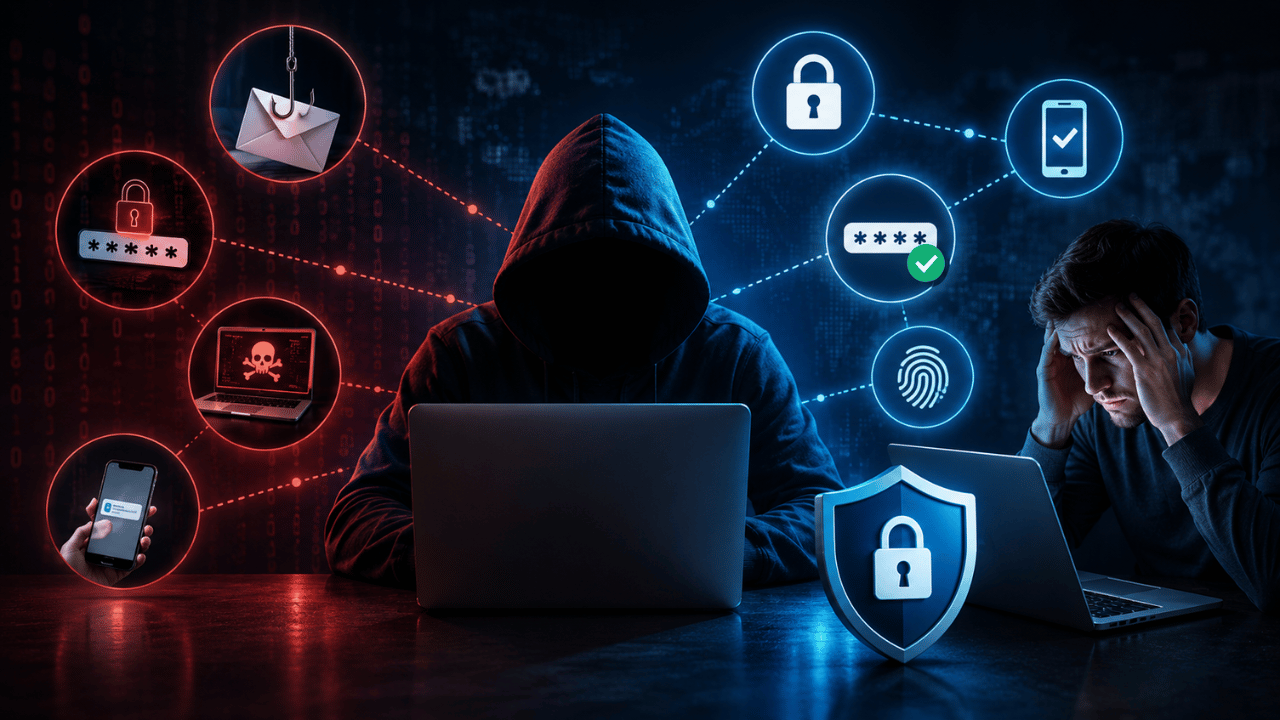
Your password is often the only thing standing between a cybercriminal and your personal and financial data — which is exactly why criminals are so eager to steal or crack it. With working logins, a hacker could steal your identity, sell access to your accounts on dark web marketplaces, or use the same password to unlock your other accounts.
Here are the five real methods hackers use to steal passwords in 2026 — and exactly what stops each one.
1. Phishing — Tricking You Into Handing It Over
How it works: Phishing scams are the most common way hackers gain information from victims. These typically arrive as an email impersonating a reputable company or someone the victim trusts. The victim enters their credentials — and sometimes banking information — directly into the attacker’s fake form.
What makes 2026 phishing more dangerous is the AiTM (Adversary-in-the-Middle) evolution. Instead of hosting a fake login page that just captures credentials, the attacker sets up a reverse proxy that sits between the victim and the legitimate server. When the victim enters their password AND their 2FA code, the proxy forwards it to the real site, captures the authenticated session, and passes the session cookie back to the attacker.
This means even properly configured 2FA can be bypassed — because the hacker steals your active login session, not just your password.
Real example: Many users have reported receiving phone calls and emails from threat actors claiming to be employees of well-known password manager companies, directing victims to fake login pages designed to steal their master passwords.
How to Stop It:
- Never click login links in unsolicited emails — go directly to the website by typing the URL yourself
- Check sender addresses carefully — look for subtle misspellings (
micros0ft.comvsmicrosoft.com) - Be suspicious of urgency and scare tactics — phishing attempts almost always pressure you to act immediately
- Use a password manager — most refuse to autofill credentials on fake/lookalike domains
- Periodically check your email’s forwarding rules — hackers often set up sneaky inbox rules to silently forward your mail to an external address
Learn to identify these emails specifically: What Is Phishing? How to Spot Fake Emails
2. Credential Stuffing — Reusing Old Breached Passwords
How it works: Credential stuffing — also called list cleaning or breach replay — involves testing massive databases of previously stolen username/password combinations against multiple sites to see if there’s a match. It is estimated that tens of millions of accounts are tested daily using this method, with an estimated 193 billion such attempts occurring globally in a single year.
Here’s why it works so well: most people reuse the same password — or a close variation of it — across multiple accounts. If your Netflix password gets leaked in a breach, and you used the same password for your email, attackers will try it there next. Hackers can unlock several of your accounts with just one stolen password.
Real example: In February 2024, the remote desktop application AnyDesk was breached. Within days, over 18,000 stolen credentials from AnyDesk customers were listed for sale on a hacker forum on the dark web — ready to be tested against other sites.
How to Stop It:
- Use a unique password for every single account — no exceptions
- Use a password manager to generate and store unique passwords automatically
- Check haveibeenpwned.com regularly to see if your email appears in known breaches
- Most password managers will alert you to at-risk accounts related to known data breaches and can automatically generate new, complex passwords
3. Brute Force & Password Spraying — Automated Guessing
How it works: Brute force attacks use automated bots to try thousands of password combinations until they find a match. There are two main variants:
Dictionary attacks use a list of common passwords and phrases to guess login credentials — and they work surprisingly often because weak passwords remain extremely common worldwide.
Password spraying takes a different approach: instead of trying many passwords against one account, attackers take a single common password and test it once against every username on a system. Because each account only sees a single failed attempt, no lockout alarm triggers — yet odds are good that at least one user has recycled that exact string.
Servers should never store passwords in plain text — they keep scrambled “hashes” instead. But hackers who breach a database can run those hashes through powerful GPU rigs, testing billions of dictionary words per second until one matches. That collision reveals your original password.
How to Stop It:
- Avoid passwords that are in the list of top 100 most commonly used passwords (“123456,” “password,” “qwerty,” etc.)
- Prioritize length over complexity — a long passphrase beats a short complex password
- Enable account lockout after a small number of failed attempts where possible
- Use multi-factor authentication so a guessed password alone isn’t enough to gain access
4. Keyloggers & Malware — Recording Everything You Type
How it works: Hackers trick you into installing malicious programs that quietly steal sensitive information. Keylogging software specifically records every keystroke you type on your device and sends this information back to the attacker — including every password you enter, regardless of how strong it is.
This is particularly dangerous because no password strength matters once a keylogger is active — the malware captures your password the moment you type it, before any encryption or hashing happens on the server side.
Some malware variants go further: spyware installs itself on your device and continuously streams data back to the cybercriminal, while more aggressive forms like ransomware can render your entire device inoperable until a ransom is paid.
How to Stop It:
- Install reputable antivirus software with real-time malware detection
- Never download attachments or software from untrusted sources
- Keep your operating system and apps updated — many keyloggers exploit known, patched vulnerabilities
- Switch to passkeys where available — since there’s no password typed, there’s nothing for a keylogger to capture
- Watch for warning signs: random pop-ups, your password suddenly not working, or messages sent from your account that you didn’t write
Protect your device against this threat: Best Antivirus Software 2026 – Which One Actually Works
5. Unsecured WiFi & Man-in-the-Middle Attacks
How it works: A more technical version of password theft involves Wi-Fi eavesdropping — a “man-in-the-middle” attack that lets hackers sitting on the same public WiFi network snoop on your password as you type it in. Data intercepts work by virtually positioning the attacker between two communicating parties to capture data as it travels between them.
This tactic is commonly attempted in areas with unsecured WiFi — airports, cafés, and hotels. A more deceptive variant uses spoofed WiFi hotspots — networks deliberately named similarly to legitimate ones (like “Starbucks_WiFi” vs “Starbucks-Guest”) specifically to trick users into connecting and exposing their data.
How to Stop It:
- Avoid logging into sensitive accounts (banking, email) while on public WiFi
- Always use a VPN when connecting to any public network — it encrypts your traffic before a man-in-the-middle attacker can read it
- Verify the exact network name with staff before connecting in any public location
- Only enter passwords on sites showing HTTPS (the padlock icon) in your browser
Quick Reference — All 5 Methods at a Glance
| Method | How It Works | #1 Defense |
|---|---|---|
| Phishing | Fake login pages/emails trick you into giving credentials | Verify sender, never click email login links |
| Credential Stuffing | Reused breached passwords tested across sites | Unique password for every account |
| Brute Force / Spraying | Automated guessing of common passwords | Long passphrases + account lockouts |
| Keyloggers/Malware | Software records every keystroke | Antivirus + passkeys where available |
| WiFi Eavesdropping | Intercepting data on public networks | VPN + avoid sensitive logins on public WiFi |
The One Defense That Stops Almost All Five
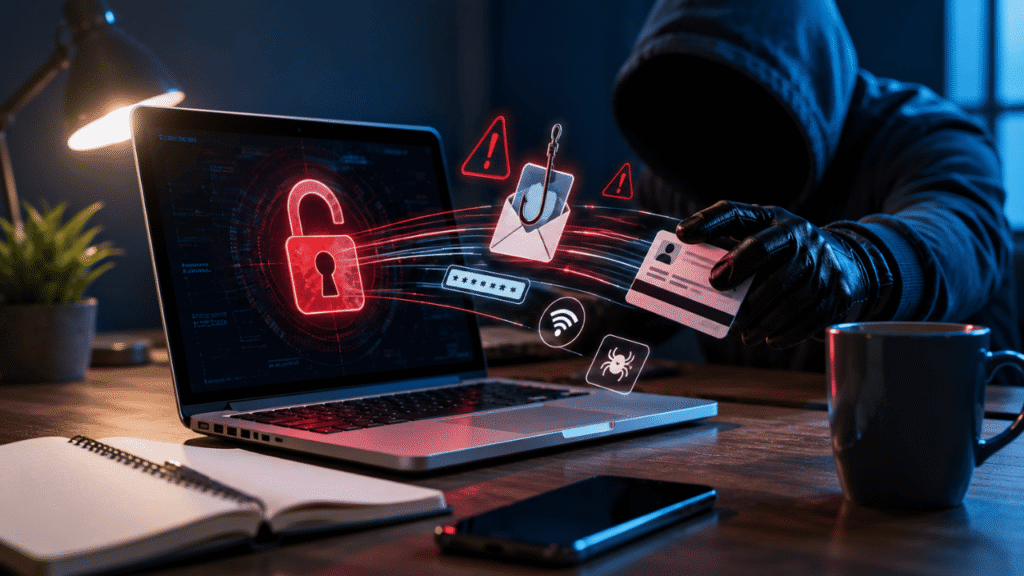
If you only do one thing after reading this article, enable two-factor authentication (2FA) on every important account — especially email, which acts as the master key to resetting your other passwords.
While AiTM attacks can bypass 2FA by stealing session cookies, this remains a far more sophisticated and resource-intensive attack than simple credential stuffing or brute forcing. For the vast majority of everyday threats, 2FA still blocks the attack cold.
Better yet — passkeys eliminate the problem at its root. Since there’s no password typed or stored, phishing, keyloggers, brute force, and credential stuffing simply don’t apply. Google announced passkeys would become the default sign-in method for users, and major platforms have followed.
Frequently Asked Questions
Phishing remains the most common method, but credential stuffing affects the most accounts overall — an estimated 193 billion attempts occur globally each year, exploiting the fact that most people reuse passwords across multiple sites.
Yes, through advanced AiTM (Adversary-in-the-Middle) phishing attacks that steal your active session cookie after you enter both your password and 2FA code. However, this is far more sophisticated than basic attacks, and 2FA still blocks the vast majority of password theft attempts.
Check haveibeenpwned.com by entering your email address — it will show every known data breach your email has appeared in. You should also watch for warning signs like unexpected password reset emails, messages sent from your account you didn’t write, or your password suddenly not working.
Yes. Since passkeys eliminate the password entirely — replacing it with device-based biometric or PIN verification — they’re immune to phishing, keyloggers, credential stuffing, and brute force attacks. There’s simply nothing to steal in the traditional sense.
Avoid it whenever possible. Public WiFi enables man-in-the-middle attacks where hackers on the same network can potentially intercept your data, including passwords, as you type them. Use a VPN if you must access sensitive accounts on public WiFi.
Change the password immediately, change it on any other site where you reused it, enable 2FA if not already active, and check for suspicious account activity like unfamiliar logins or forwarding rules in your email settings.
Conclusion
Hackers don’t need sophisticated tools to compromise most accounts — they rely on predictable human behavior: reused passwords, clicked phishing links, and unprotected public WiFi connections. Understanding these five real attack methods is the first step. Acting on the defenses is what actually protects you.
Start with these three actions today:
- Enable 2FA on your email account
- Check haveibeenpwned.com for your email
- Install a password manager and stop reusing passwords
These three steps alone neutralize the vast majority of how hackers actually steal passwords in 2026.