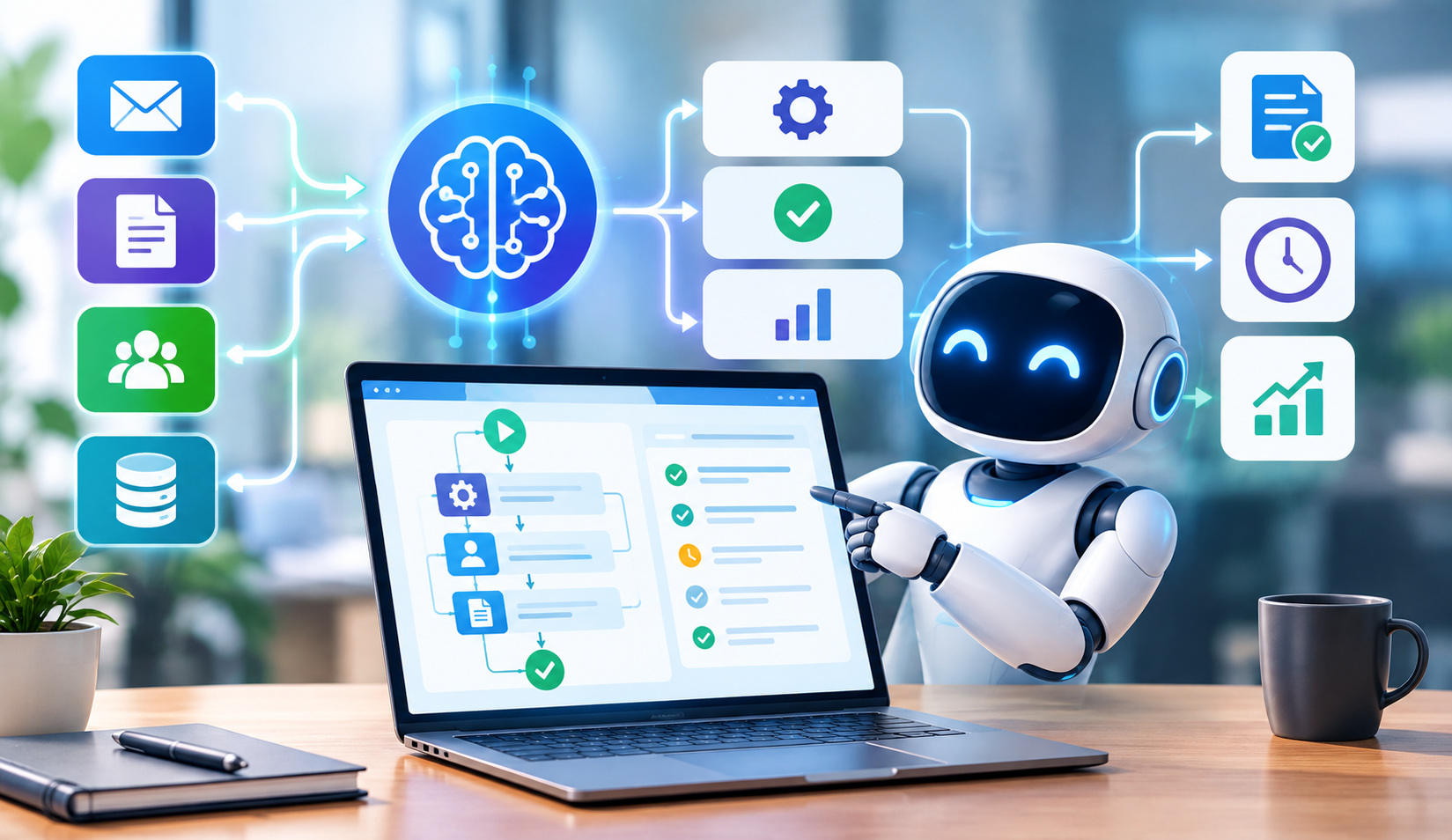
Basic automation follows fixed rules. It runs the same steps every time, no matter what actually happens along the way. Intelligent workflow automation does something different. It reads context, makes decisions, and adapts as conditions change. Here’s what that actually looks like in practice, and where it’s making the biggest impact in 2026.
Key Takeaways
- Intelligent workflow automation combines traditional automation with AI decision-making to handle variable, complex processes.
- It differs from basic automation, since it can interpret unstructured data and make judgment calls, not just follow fixed steps.
- Common 2026 use cases include invoice processing, customer service routing, and IT incident response.
- Successful implementation starts with a well-defined process, not with the AI tool itself.
- Intelligent automation connects closely to broader trends in responsible AI development and AI governance.
What Is Intelligent Workflow Automation?
Intelligent workflow automation combines traditional rules-based automation with AI capabilities like machine learning and natural language processing, letting systems handle tasks that require interpretation, not just execution. Unlike basic automation, which follows a fixed script, intelligent automation can read an email, understand its intent, and route it correctly, even when the format varies each time. Enterprise adoption of this technology has grown quickly, since it addresses processes that were previously too variable for simple rule-based tools. Related concepts include robotic process automation (RPA), natural language processing, machine learning, and agentic AI.
In simple terms, basic automation follows a recipe exactly. Intelligent automation reads the situation, then decides which recipe to follow, or adjusts the recipe based on what it finds.
Intelligent Automation vs. Basic Automation
Basic automation follows fixed rules
Traditional automation, like RPA, executes the same predefined steps every time. It works well for highly structured, repetitive tasks, but it breaks when conditions vary even slightly.
Intelligent automation adapts to context
Intelligent workflow automation can interpret unstructured inputs, like emails or scanned documents, and make decisions based on that interpretation, rather than requiring a rigid, predefined format.
The difference shows up in exceptions
Basic automation typically fails or halts when it hits an unexpected scenario. Intelligent automation can often handle that exception directly, or route it appropriately, without human intervention.
Real Examples of Intelligent Workflow Automation in 2026
Intelligent automation shows up across a wide range of business functions today. Here are some of the clearest examples.
- Invoice and document processing — Systems read invoices in varying formats, extract relevant data, and route them for approval based on amount, vendor, or department rules.
- Customer service ticket routing — AI analyzes incoming support requests, determines urgency and topic, then routes tickets to the right team automatically.
- IT incident response — Automated systems detect anomalies, diagnose likely causes, and either resolve common issues directly or escalate with relevant context attached.
- HR onboarding workflows — New hire paperwork, system access requests, and equipment provisioning trigger automatically based on role and department, adjusting for exceptions as needed.
- Supply chain exception handling — Systems flag shipment delays or inventory mismatches, then automatically trigger appropriate next steps based on business rules and historical patterns.
Key Technologies Behind Intelligent Automation
| Technology | Role in Intelligent Automation |
|---|---|
| Robotic Process Automation (RPA) | Executes repetitive, rule-based tasks within the workflow |
| Natural Language Processing (NLP) | Interprets unstructured text like emails and documents |
| Machine Learning | Improves decision-making accuracy over time based on outcomes |
| Optical Character Recognition (OCR) | Extracts data from scanned documents and images |
| Process Mining | Identifies which workflows are good candidates for automation |
Why Intelligent Automation Matters for Businesses
“The businesses getting real value from intelligent automation aren’t the ones chasing the newest AI tool. They’re the ones who mapped their actual process first, then figured out where automation genuinely removes friction.” — Marcus Delaney, Director of Process Automation, Enterprise Digital Transformation Group, 2025.
Poorly implemented automation often just speeds up a broken process. That’s why successful intelligent automation projects start with clear process mapping, not with picking a tool first. This matters even more as organizations think through responsible AI development principles, since automated decisions still need appropriate oversight, especially in regulated processes like finance or HR.
How to Implement Intelligent Workflow Automation
- Map your current process — Document exactly how a workflow operates today, including every exception and edge case, before introducing any automation.
- Identify high-value automation candidates — Prioritize processes that are high-volume, rules-based, but variable enough that basic automation alone can’t handle them well.
- Start with a pilot — Test intelligent automation on one workflow first, rather than attempting an organization-wide rollout immediately.
- Build in human oversight — Design checkpoints where humans review automated decisions, particularly for high-stakes or ambiguous cases.
- Measure and iterate — Track accuracy, time savings, and exception rates, then refine the system based on real performance data.
Frequently Asked Questions
How is intelligent automation different from RPA?
RPA follows fixed, rule-based steps and struggles with variation. Intelligent automation adds AI capabilities like natural language processing on top of RPA, allowing it to interpret unstructured data and make context-based decisions.
Does intelligent workflow automation require coding skills?
Not always. Many modern platforms offer low-code or no-code interfaces for building workflows, though more complex integrations may still benefit from developer involvement.
What industries benefit most from intelligent automation?
Industries with high volumes of variable, document-heavy processes, like finance, healthcare, insurance, and logistics, tend to see the biggest gains from intelligent workflow automation.
Can intelligent automation replace human jobs entirely?
It typically automates specific tasks within a role rather than replacing entire jobs, freeing employees to focus on more complex or judgment-heavy work instead of repetitive processing.
How long does it take to implement intelligent workflow automation?
Timelines vary based on process complexity, but a focused pilot project can often launch within weeks, while organization-wide rollouts typically take several months to implement properly.
Conclusion
Intelligent workflow automation earns its name by doing what basic automation can’t: interpreting context and adapting to variation, rather than breaking whenever a process deviates from a fixed script. From invoice processing to IT incident response, the businesses seeing real results in 2026 share one habit in common. They map the process first, then apply automation deliberately, rather than treating AI as a shortcut around planning.
For related reading, see our guides on responsible AI development, AI governance and decision-making, and knowledge management tools.