

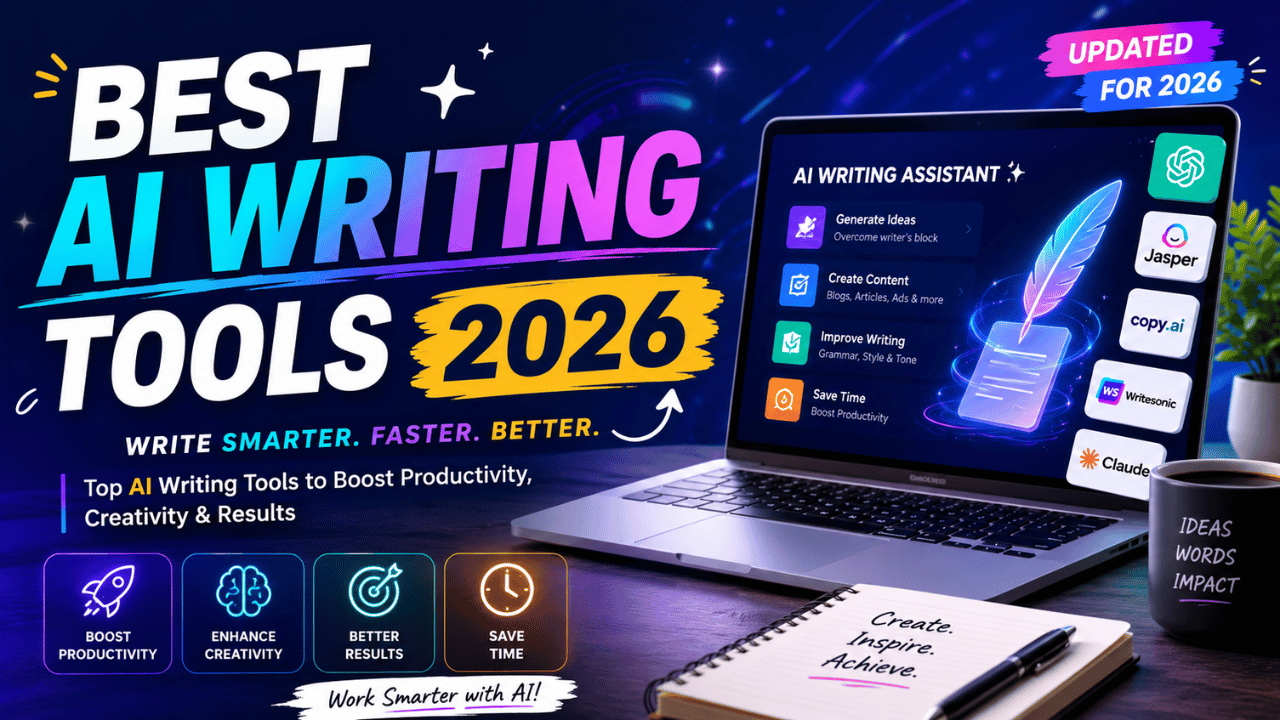
AI writing tools have come a long way. In 2026, the best ones can draft full blog posts, rewrite content for different audiences, generate ad copy, optimize for SEO, and polish grammar — often within a single workflow.
But here’s the honest truth: most AI writing tools are overpriced wrappers around the same ChatGPT or Claude API. Before paying for any standalone tool, ask yourself: “What does this do that ChatGPT or Claude can’t?” If you don’t have a clear answer — save your money.
We tested 10+ AI writing tools across output quality, pricing, ease of use, and real-world writing tasks. Here’s the ranked verdict — no sponsored placements, no affiliate bias.
Quick Verdict — Best AI Writing Tool by Use Case
| Use Case | Best Tool |
|---|---|
| ✍️ Best Overall | ChatGPT |
| 📄 Best for Long-Form | Claude |
| ✏️ Best for Editing | Grammarly |
| 🔍 Best for SEO Writing | Surfer SEO |
| 💼 Best for Marketing Copy | Jasper AI |
| 💰 Best Free Option | ChatGPT Free |
| 🎓 Best for Students | Claude Free |
| 🏢 Best for Teams | Jasper / Writer |
| ⚡ Best Budget Paid Tool | Rytr |
| 📱 Best Mobile Writing | Grammarly |
Why Most AI Writing Tools Aren’t Worth Paying For
Before diving into the rankings, here’s an important reality check for 2026.
Many AI writing tools — Rytr, Copy.ai, Writesonic, and dozens of others — are essentially ChatGPT or Claude with a template library on top. The underlying AI is the same. You’re paying for the wrapper.
For solo writers or freelancers on a budget, ChatGPT (free) + Grammarly (free) handles 80-90% of writing tasks at zero cost.
Only pay for a standalone AI writing tool if it offers:
- Brand voice enforcement across your team (Jasper, Writer)
- Real-time SEO scoring as you write (Surfer SEO)
- Deep workspace integration you already use (Notion AI)
- Predictive performance scoring (Anyword)
With that said — here are the tools that actually earn their price.
1. ChatGPT — Best Overall AI Writing Tool
Rating: 4.8/5 ⭐⭐⭐⭐⭐ Best for: Most people — versatile, fast, reliable
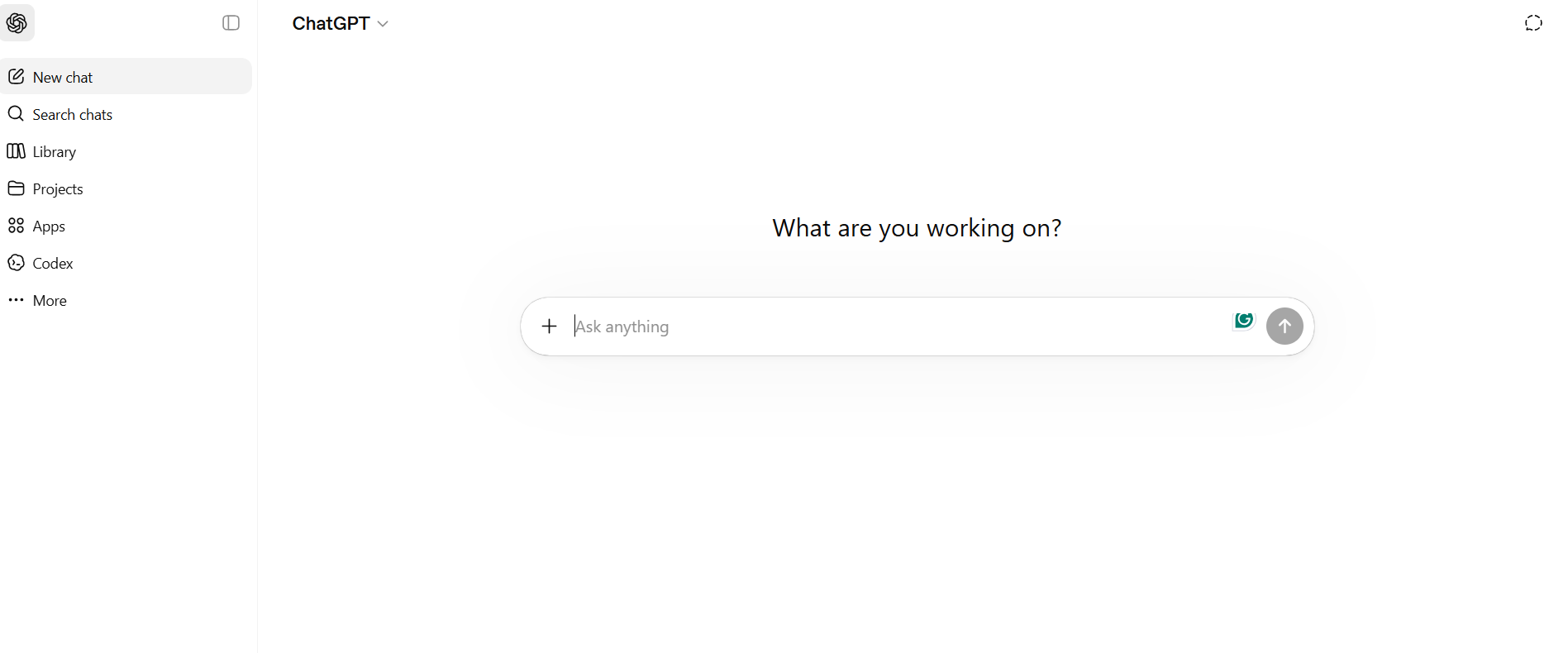
ChatGPT is the best overall AI writing tool for most people in 2026. It’s the most versatile AI writer — handling blog posts, emails, ad copy, social media, scripts, and everything in between with consistent quality.
The free tier now includes GPT-5.2 Instant with Canvas — a collaborative document editor that lets you write and edit alongside the AI in real time. For most casual writers and bloggers, the free tier is genuinely enough.
What ChatGPT does best:
- Short to medium-length content (emails, social posts, product descriptions)
- Brainstorming and ideation
- Rewriting and paraphrasing
- Multiple drafts and variations quickly
- Voice and tone adaptation
Limitations:
- Long-form content loses coherence after ~2,000 words
- Tends toward formulaic structure
- Needs specific prompting for nuanced writing
Pricing:
| Plan | Price | Best For |
|---|---|---|
| Free | $0 | Casual writers, basic tasks |
| Plus | $20/month | Regular users, higher limits |
| Pro | $200/month | Power users, maximum usage |
Verdict: Start here. Most people never need anything else.
2. Claude — Best for Long-Form Content
Rating: 4.8/5 ⭐⭐⭐⭐⭐ Best for: Long articles, technical writing, research-heavy content
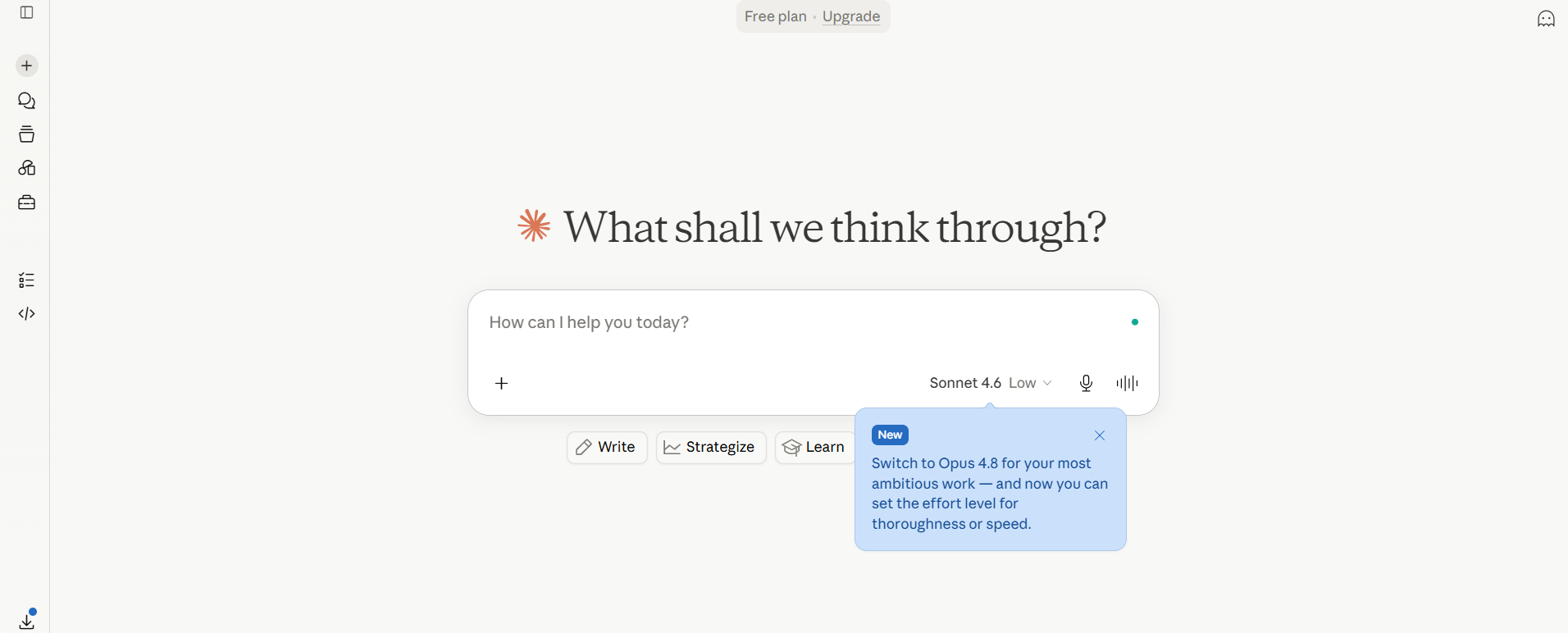
Claude ranked #1 on long-form quality in 2026 testing across articles, technical docs, analysis pieces, and email writing, consistently producing longer, more coherent, and more nuanced output than ChatGPT or Gemini.
The reason? Claude’s 200K-token context window means you can paste entire research documents, style guides, and source materials — and get genuinely informed, accurate responses rather than generic AI filler.
What Claude does best:
- Long-form articles (2,000-10,000+ words)
- Technical documentation
- Nuanced analysis and research summaries
- Following complex style instructions precisely
- Producing the least “AI-sounding” prose of any model
Limitations:
- No image generation
- No voice mode
- Free tier has usage limits
Pricing:
| Plan | Price | Features |
|---|---|---|
| Free | $0 | Limited access to all models |
| Pro | $20/month | Higher limits, priority access |
Verdict: If writing quality is your top priority — especially for long-form content — Claude is the best tool available in 2026.
3. Grammarly — Best for Editing & Polish
Rating: 4.7/5 ⭐⭐⭐⭐⭐ Best for: Everyone — editing, polishing, tone checking
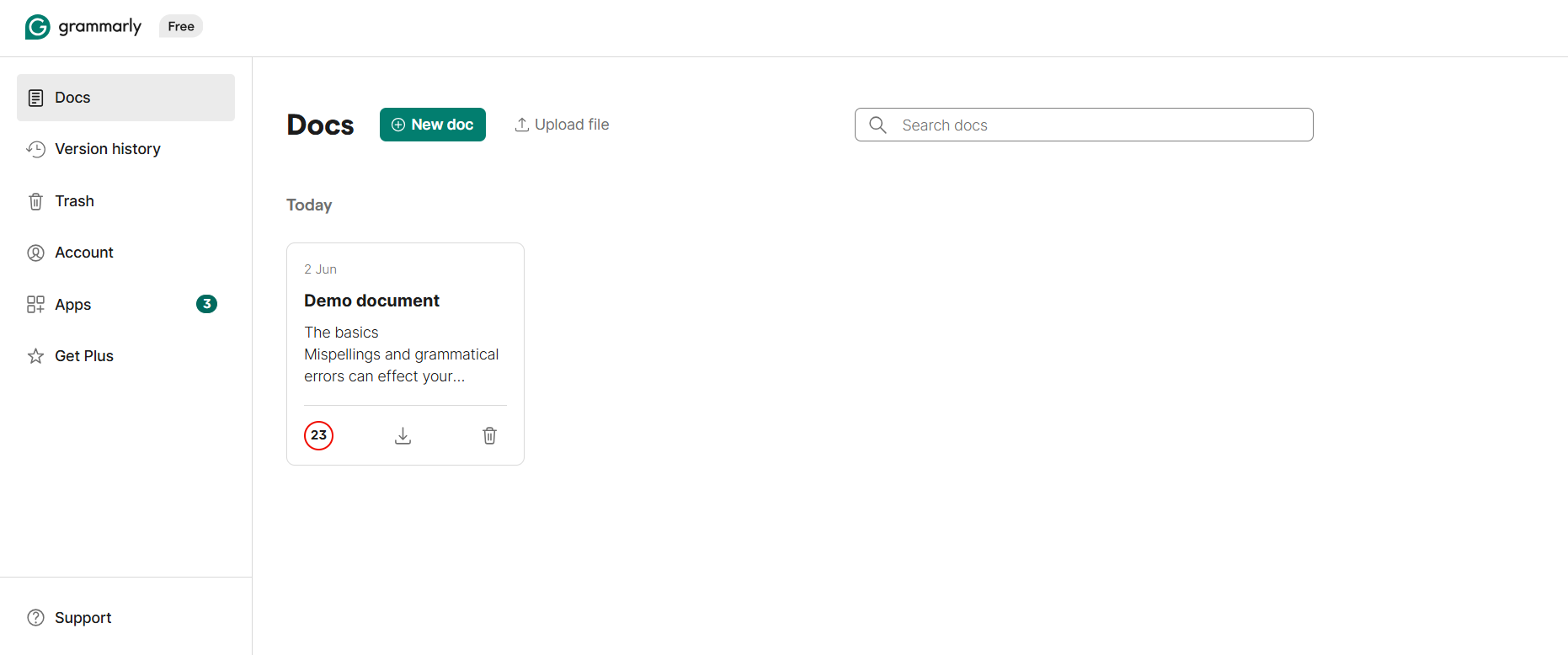
Grammarly complements any AI writing tool by catching errors and improving clarity — making it essential for polishing any content.
Grammarly isn’t primarily a content generator — it’s the best editing layer you can add on top of any AI or human writing. It works everywhere: Gmail, Google Docs, Slack, social media, Microsoft Word.
The GrammarlyGO feature adds AI generation capabilities — rewriting paragraphs, adjusting tone, and drafting responses — on top of its world-class editing.
What Grammarly does best:
- Real-time grammar and spelling fixes
- Tone detection and adjustment
- Clarity improvements
- Plagiarism checking (Pro only)
- Works across all platforms via browser extension
Pricing:
| Plan | Price | Best For |
|---|---|---|
| Free | $0 | Basic grammar and spelling |
| Pro | $12/month (annual) | Writers, students, professionals |
| Business | $15/user/month | Teams |
Verdict: Non-negotiable addition to any writing workflow. Use it alongside every other tool on this list.
4. Surfer SEO — Best for SEO-Optimized Writing

Rating: 4.6/5 ⭐⭐⭐⭐½ Best for: Bloggers, content marketers, SEO professionals
Surfer SEO is the best tool for SEO writing — providing real-time content optimization with SERP data.
Surfer analyzes the top-ranking articles for your target keyword and tells you exactly what topics, headings, word count, and entities your article needs to rank. It scores your content in real time as you write — showing you whether you’re hitting the mark.
What Surfer does best:
- Real-time SEO scoring as you write
- NLP analysis of top-ranking competitors
- Keyword density optimization
- Content brief generation
- Integration with Google Docs and WordPress
Limitation: It’s an SEO tool, not a writing tool. You still need ChatGPT or Claude to generate the actual content — Surfer just tells you what to write about.
Pricing: Starts at ~$89/month — expensive, but worth it for serious content marketers who publish regularly.
Verdict: If SEO is your primary goal and you publish frequently, Surfer pays for itself in organic traffic gains.
5. Jasper AI — Best for Marketing Copy & Teams
Rating: 4.5/5 ⭐⭐⭐⭐½ Best for: Marketing teams, brand voice consistency, agencies
Jasper remains the most feature-rich AI writing platform in 2026 — a complete content creation ecosystem with templates, brand voice training, team collaboration, and workflow automation.
Jasper’s key differentiator is brand voice training. You upload your existing content, and Jasper learns your brand’s tone, style, and vocabulary — then applies it to everything it generates. This is something ChatGPT and Claude can’t replicate without extensive prompting every single time.
What Jasper does best:
- Brand voice enforcement across large teams
- Marketing copy (ads, landing pages, emails)
- Long-form blog posts with SEO integration
- Team collaboration and approval workflows
- 50+ templates for specific content types
Pricing: Starts at $39/month for individuals, $99/month for teams.
Verdict: Overkill for solo bloggers. Excellent for marketing teams and agencies managing multiple brands.
6. Writesonic — Best Balance of Features & Price

Rating: 4.3/5 ⭐⭐⭐⭐ Best for: Mid-tier users who want more than ChatGPT but less than Jasper
Writesonic offers a compelling balance of features and affordability.
Writesonic sits between the free ChatGPT tier and the expensive Jasper — offering SEO-focused writing, a built-in AI chatbot, paraphrasing tools, and landing page copy at a reasonable price.
Key features:
- AI Article Writer 6.0 — generates full SEO articles
- Chatsonic — real-time web search in a chatbot
- Botsonic — build AI chatbots without coding
- Factual content with web search integration
- Chrome extension
Pricing: Free tier available. Paid plans from ~$16/month.
Verdict: Good mid-tier option, especially for bloggers who want built-in web search and SEO features at an affordable price.
7. Rytr — Best Budget Paid Option
Rating: 4.1/5 ⭐⭐⭐⭐ Best for: Budget-conscious writers who need more than free tools
Rytr is one of the most affordable AI writing tools on the market. It handles short-form content well — social media posts, email subject lines, product descriptions, and basic blog introductions.
Rytr Free offers 10,000 characters per month — enough for light users who need occasional help with short content.
Pricing: Free tier (10,000 chars/month), Unlimited plan ~$9/month.
Verdict: Best for writers with occasional needs and tight budgets. Don’t expect ChatGPT or Claude quality — but for simple tasks, it’s more than adequate.
8. Notion AI — Best for Teams Already Using Notion
Rating: 4.0/5 ⭐⭐⭐⭐ Best for: Teams who live in Notion
Notion AI isn’t the best writer. But it’s the only one that works where your team already works. For Notion teams, it removes the copy-paste-between-tools friction entirely.
Notion AI integrates directly into your Notion workspace — summarizing meeting notes, drafting docs, and editing content without ever leaving your workflow. The AI agents can now perform 20+ minutes of autonomous work on your databases.
Limitation: If you don’t already use Notion, there’s no reason to start for the AI writing features alone — ChatGPT and Claude are better writers.
Pricing: ~$10/month added to existing Notion plan.
Verdict: Only worth it if your team already runs on Notion.
AI Writing Tools Comparison Table 2026
| Tool | Best For | Free Tier | Paid Price | SEO Features | Brand Voice |
|---|---|---|---|---|---|
| ChatGPT | Everything | ✅ Excellent | $20/mo | ❌ | ❌ |
| Claude | Long-form | ✅ Good | $20/mo | ❌ | ❌ |
| Grammarly | Editing | ✅ Good | $12/mo | ❌ | ❌ |
| Surfer SEO | SEO content | ❌ | $89/mo | ✅ Best | ❌ |
| Jasper | Marketing/Teams | ❌ | $39/mo | ✅ | ✅ Best |
| Writesonic | Balanced | ✅ Limited | $16/mo | ✅ | ❌ |
| Rytr | Budget | ✅ 10K chars | $9/mo | ❌ | ❌ |
| Notion AI | Notion users | ❌ | $10/mo add-on | ❌ | ❌ |
Best Free AI Writing Stack in 2026
If budget is your concern, here’s the best zero-cost writing setup:
The Free Stack:
- ChatGPT Free — Draft your content
- Claude Free — Long-form and technical writing
- Grammarly Free — Edit and polish
This combination handles 80-90% of writing tasks at zero cost. Most people never need to pay for a dedicated AI writing tool beyond this.
How to Get Better Results From Any AI Writing Tool
Regardless of which tool you choose, these techniques dramatically improve output quality:
1. Give context upfront Tell the AI your audience, brand voice, goals, and any specific constraints before asking it to write. More context = better output.
2. Use specific prompts “Write a 1,000-word blog post about X for Y audience, emphasizing Z benefits” produces far better results than “Write about X.”
3. Treat output as a first draft AI output is a starting point, not a finished product. Edit, expand, and add your own expertise and opinions. This is what separates good AI-assisted content from generic AI content.
4. Combine tools strategically Use Claude for drafting, Grammarly for editing, and Surfer for SEO optimization. Each tool does its job better than any single all-in-one solution.
5. Add human insight AI can’t replace your unique experiences, opinions, and expertise. Add these to your content to stand out from thousands of other AI-generated articles.
Does Google Penalize AI Writing in 2026?
Google doesn’t currently penalize AI writing. It penalizes low-quality content — regardless of whether it’s AI-written or human-written.
High-quality, helpful AI-assisted content ranks fine in Google Search. The key is adding genuine value beyond what AI alone can produce — unique data, expert opinions, real examples, and original insights.
Frequently Asked Questions
Q1: What is the best AI writing tool in 2026?
ChatGPT is the best overall AI writing tool for most people — versatile, reliable, and free. Claude is the best for long-form content quality. Grammarly is the best editing layer. The right choice depends on your specific use case.
Q2: Is it worth paying for an AI writing tool in 2026?
Only if it does something ChatGPT and Claude can’t. Brand voice enforcement (Jasper), SEO scoring (Surfer), or workspace integration (Notion AI) justify the cost. For general writing, the free tiers of ChatGPT and Claude are excellent.
Q3: Which AI writing tool is best for students?
Claude’s free tier is excellent for students — superior long-form writing quality, follows complex instructions, and handles academic topics well. Grammarly (free) should always be used alongside it for editing and plagiarism checks.
Q4: What is the best free AI writing tool in 2026?
ChatGPT Free gives you GPT-5.2 Instant with Canvas. Claude Free provides limited access to all models. Grammarly Free handles grammar and basic AI. All three together form the best free writing stack available.
Q5: Can AI replace human writers in 2026?
No. AI tools are excellent assistants but can’t replace human creativity, expertise, and judgment. The best approach treats AI as a powerful collaborator — not a replacement for original thinking and unique insight.
Q6: Which AI writing tool is best for SEO?
Surfer SEO is the best tool for SEO-optimized writing — it analyzes top-ranking competitors in real time and scores your content as you write. Combined with ChatGPT or Claude for generation, it’s a powerful SEO content workflow.
Final Recommendation
For most bloggers and writers: Start with ChatGPT Free + Grammarly Free. This handles the vast majority of writing tasks at zero cost.
Upgrade to Claude Pro ($20/month) if you write long-form articles regularly and care about output quality.
Add Surfer SEO (~$89/month) if SEO traffic is your primary goal and you publish 4+ articles per month.
Consider Jasper ($39+/month) only if you manage a team and need brand voice consistency across multiple writers.
Everything else — unless it solves a specific problem you have — is probably just a wrapper you don’t need.