

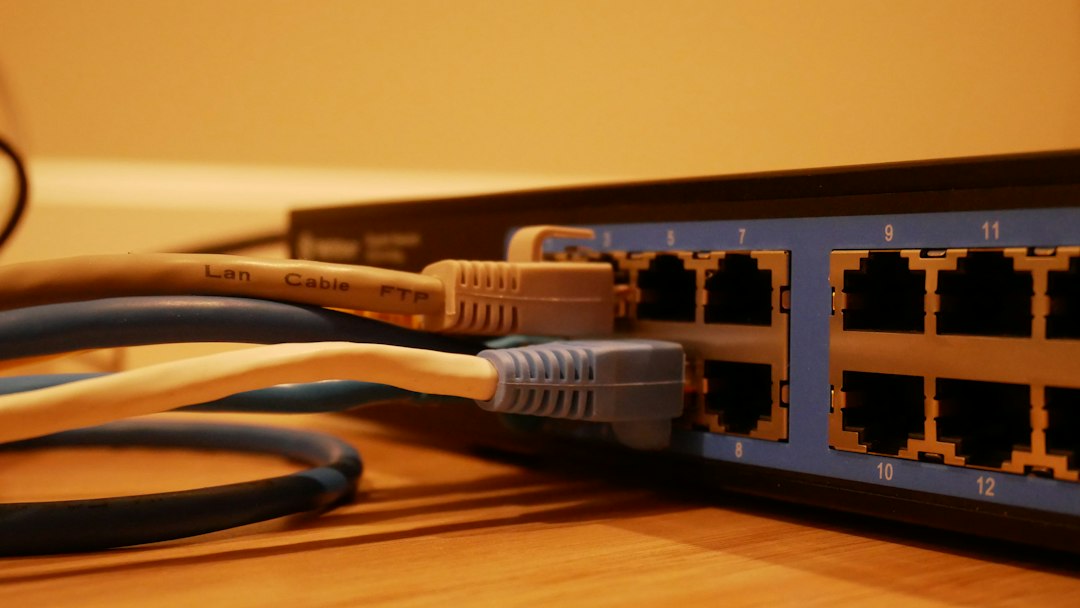
The difference between a managed and an unmanaged switch is control. An unmanaged switch works out of the box with no settings and simply passes traffic between devices. A managed switch lets you configure, monitor and secure the network with features such as VLANs, quality of service, port security and remote management. Choose unmanaged for simple setups and managed when you need segmentation, visibility or security.
Key takeaways
- Unmanaged switches are plug-and-play, cheaper and have no configuration options.
- Managed switches support VLANs, QoS, link aggregation, port mirroring, access control and monitoring through a CLI, web interface or SNMP.
- Smart (web-managed) switches sit in the middle with a limited feature set and a web page for settings.
- Use managed switches for offices, VoIP, security cameras, Wi-Fi access points and any network that needs segmentation or compliance.
- Use unmanaged switches for small, simple networks, such as a home desk, lab bench or a few extra ports.
What is an unmanaged switch?
An unmanaged switch is a network switch with fixed behavior that you cannot configure. You plug in devices and it learns the MAC addresses and forwards frames to the right port. There is no interface to log in to, so it is fast to set up and has little to go wrong. It is a good fit when you only need more ports.
What is a managed switch?
A managed switch is a switch you can configure and monitor. You connect through a command-line interface, a web page or a management protocol such as SNMP, and you can change how each port and the whole switch behaves. Managed switches are standard in business networks, because they let administrators divide, protect and troubleshoot the network.
Managed vs unmanaged switch: how do they compare?
The table compares the main features.
| Feature | Unmanaged switch | Managed switch |
|---|---|---|
| Setup | Plug and play | Requires configuration |
| VLANs | No | Yes |
| Quality of service (QoS) | No or basic fixed priority | Yes, configurable |
| Link aggregation (LACP) | No | Yes |
| Spanning Tree Protocol | Usually no | Yes, prevents loops |
| Port security and 802.1X | No | Yes |
| Monitoring and logging | Limited to port lights | Port statistics, SNMP, syslog, port mirroring |
| Remote management | No | Yes |
| Firmware updates | Rare | Yes |
| Cost | Lower | Higher |
| Best for | Home, small desk, lab | Offices, VoIP, cameras, larger networks |
What are the benefits of a managed switch?
The main benefits of a managed switch are control, security and visibility. In practice you get:
- Network segmentation. VLANs separate guests, voice, cameras and servers, which limits the damage from one compromised device.
- Traffic prioritization. QoS gives voice and video priority over bulk downloads.
- Loop protection. Spanning Tree Protocol (the network protocol, not shielded cable) prevents loops from redundant links. Unmanaged switches can create broadcast storms and collisions when cables loop. Learn more in our guide to network collisions.
- Security controls. Port security, 802.1X authentication, access lists and the ability to turn off unused ports.
- Monitoring and troubleshooting. Per-port counters, logs and port mirroring show where problems are.
- Remote management. Change settings and update firmware without visiting the closet.
- Link aggregation. Combine links for more bandwidth and redundancy.
When is an unmanaged switch enough?
An unmanaged switch is enough when the network is small and simple. Typical cases are a home office, a lab bench, a TV area that needs a few more ports, or a small group of devices behind a managed core switch. It has no admin login to protect, but it also gives you no visibility and no way to isolate traffic.
When do you need a managed switch?
You need a managed switch when you must separate traffic, control access or monitor the network. Typical cases include:
- Offices with voice over IP phones that need priority.
- Security camera and Wi-Fi access point networks, often with power over Ethernet. See our guide to the power over Ethernet cable and standards.
- Networks that must meet compliance rules for segmentation and logging.
- Any network with redundant links, many users or business-critical systems.
- Branch and campus networks that connect to routers and the wider network. See static vs dynamic routing and the enterprise private network guide.
What about smart switches?
A smart switch, sometimes called web-managed or lite managed, offers a subset of managed features through a web page. It usually supports basic VLANs, QoS and port settings, but not the full command-line control or advanced security of a fully managed switch. Smart switches suit small businesses that need segmentation at a lower price.
How do you choose a switch?
To choose a switch, match the features to the network you have. Follow these steps:
- List your devices. Count phones, cameras, access points, servers and workstations.
- Decide on segmentation and security needs. If you need VLANs or access control, choose managed or smart.
- Check power needs. Add PoE if you power phones, cameras or access points, and check the total power budget.
- Choose port speed and count. Pick gigabit or faster ports, uplink ports and spare capacity for growth.
- Plan the wiring closet. Place switches in a clean, cooled and labeled location, as described in our guide to the IDF.
- Check support. Look at firmware updates, warranty and management tools.
Secure the rest of the network too. See our tips on how to protect your Wi-Fi from hackers.
Frequently asked questions
Can I use a managed switch like an unmanaged switch?
Yes. Many managed switches work with default settings, so you can plug them in and use them. You gain the advanced features only after you configure them.
Is a managed switch faster than an unmanaged switch?
Not by itself. Speed depends on port speed and switching capacity. A managed switch can improve performance by prioritizing traffic and preventing loops.
Do I need a managed switch at home?
Most homes do not. An unmanaged switch is usually enough, unless you want VLANs for guests or smart devices, or you run a home lab.
Can I connect an unmanaged switch to a managed switch?
Yes. This is common to add ports. Keep in mind that the unmanaged switch cannot enforce VLANs, so all its devices share the VLAN of the port it connects to.
What is a Layer 3 managed switch?
A Layer 3 managed switch can also route traffic between VLANs and networks, which reduces the need for a separate router inside larger networks.
Conclusion
Unmanaged switches are simple and cheap, and managed switches give you control, security and visibility. Use unmanaged for small, simple setups and managed or smart switches whenever you need VLANs, QoS, monitoring or compliance. Plan ports, power and growth before you buy.