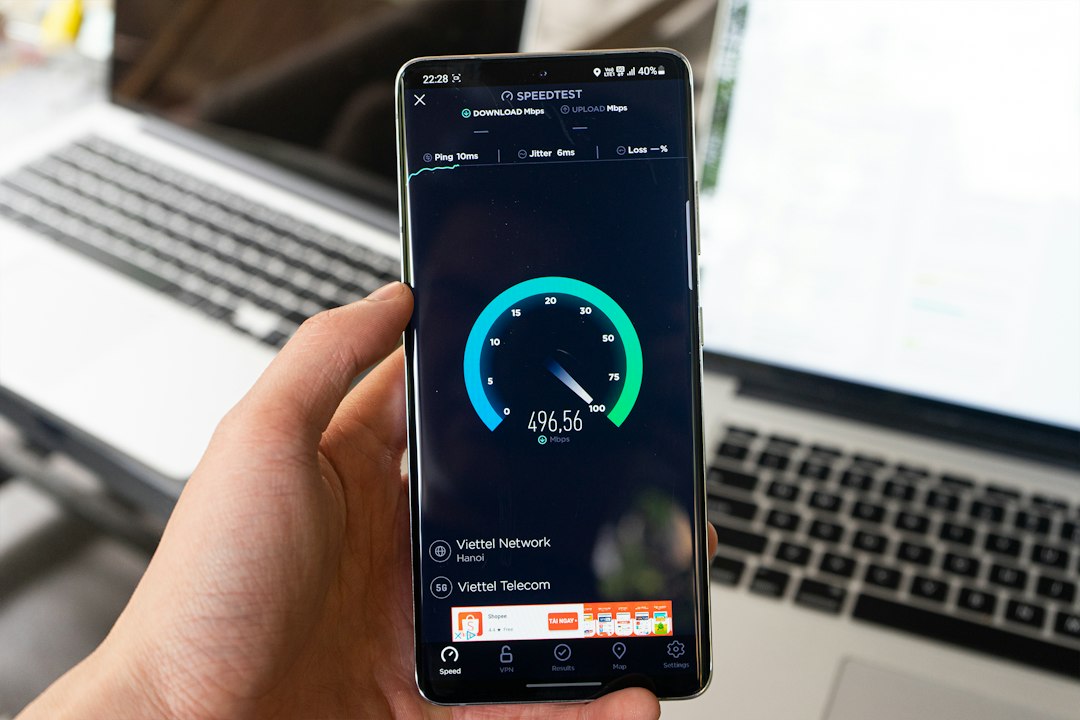
To increase mobile page speed, test your page on mobile, find the biggest issue in the report and fix it. The usual order is images first, then JavaScript and CSS, then caching and server speed, then layout shifts. Start with our free website speed test to see where your page stands today.
Key takeaways
- Test mobile first. The mobile test simulates a slower phone and network, so it shows problems earlier than desktop.
- A mobile performance score of 90 to 100 is good, 50 to 89 needs improvement and 0 to 49 is poor (Google).
- Images, scripts, caching and layout shifts cause most mobile slowdowns.
- Change one thing at a time and re-test, because scores vary between runs.
How do you test mobile page speed?
You test mobile page speed by running a Lighthouse-based test on your URL with the mobile option selected.
- Open our free page speed checker or Google PageSpeed Insights.
- Paste the full URL of the page, such as your homepage or a key landing page.
- Select the mobile test and start the analysis.
- Read the performance score, the Core Web Vitals and the list of issues.
- Run the test two or three times and compare the pattern.
For more on reading the results, see our guide to the Core Web Vitals test.
Why is mobile page speed harder to increase?
Mobile page speed is harder to increase because the mobile test simulates a slower phone, a slower network and a slowed processor. Heavy images and scripts cost more time under those conditions. Our guide explains why your mobile PageSpeed score is lower than desktop.
What should you fix first?
How do you increase mobile page speed? 8 fixes
1. Compress and resize images
Serve images at the size they are displayed, compress them and use WebP. Large images are the most common cause of a slow mobile page. See how to optimize images for page speed.
2. Do not lazy-load the main image
Lazy-load images below the fold, but load the top image normally so your Largest Contentful Paint is not delayed. See how to fix LCP in WordPress.
3. Defer unneeded JavaScript
Phones process JavaScript more slowly than computers. Remove scripts you do not use and defer the rest.
4. Reduce render-blocking CSS and JavaScript
Files in the head of the page can delay the first view. See how to eliminate render-blocking resources in WordPress.
5. Cut third-party scripts
Ads, chat widgets, popups and trackers add requests and slow interaction. Keep only those you need.
6. Enable caching and a CDN
Caching serves ready-made pages and a CDN serves files from a location near the visitor. Both reduce loading time on mobile networks.
7. Reduce server response time
A slow server delays everything that follows. See what a good TTFB is.
8. Prevent layout shifts
Set width and height on images and reserve space for banners and ads so content does not jump while loading. A CLS of 0.1 or less is good (Google).
What is a good mobile page speed score?
A good mobile score is 90 or above. Core Web Vitals from real visitors matter more than the lab score: LCP of 2.5 seconds or less, INP of 200 milliseconds or less and CLS of 0.1 or less (Google, web.dev). See what a good PageSpeed score is for score ranges.
Frequently asked questions
How can I check my website speed on my phone?
Open a speed test tool in your phone browser, paste your URL and run the mobile test. You can use our free tool or Google PageSpeed Insights.
Is mobile speed more important than desktop speed?
For most sites, yes. Google uses mobile-first indexing and most visitors browse on phones. Fix mobile first, because most fixes help desktop too.
How long does it take to increase mobile page speed?
Simple fixes such as compressing images and enabling caching can take under an hour. Deeper fixes such as reducing scripts or changing hosting take longer.
Why does my mobile score change on every test?
Network conditions, server response and background tasks vary between runs, so small changes are normal. Test two or three times and look at the pattern.
Do I need a perfect 100 on mobile?
No. A steady green score and passing Core Web Vitals is a strong target.
How often should I test mobile speed?
Test after every theme, plugin or design change, and at least once a month for key pages.
Conclusion
Increasing mobile page speed comes down to testing, fixing the biggest issue and testing again. Start with images, then scripts, caching and layout shifts. Run your first test with our free website speed test, then follow our guide on how to improve website speed for the full list.