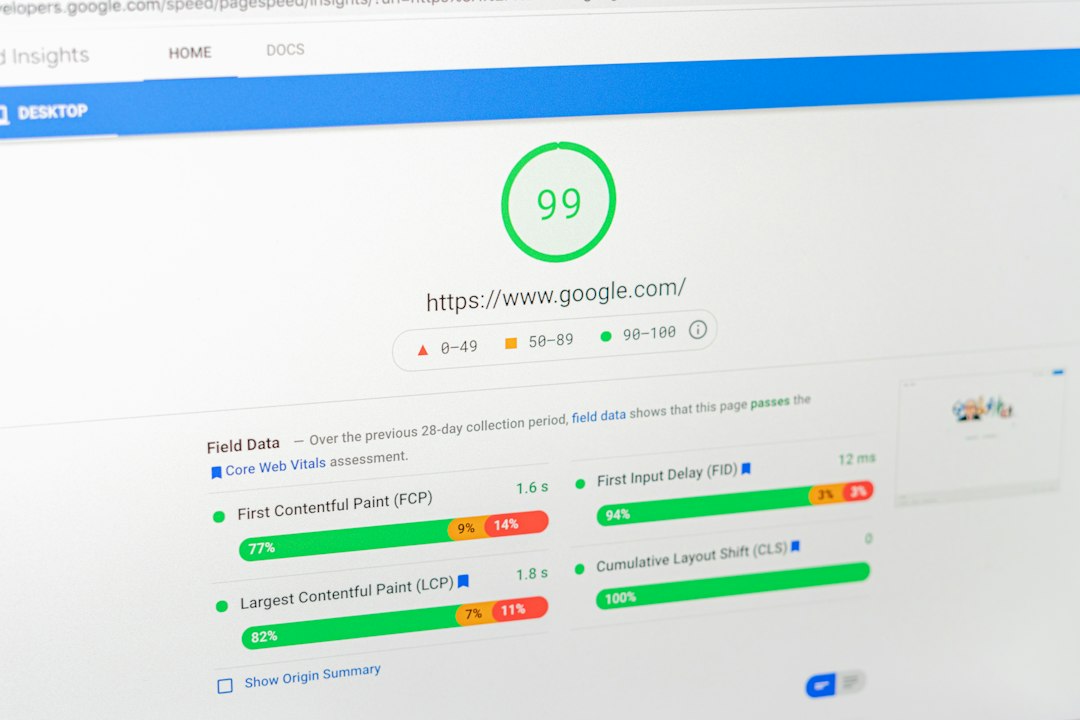
Your mobile PageSpeed score is lower than desktop because the mobile test simulates a slower phone on a slower network, which makes the same page load more slowly. The score is harder to raise on mobile, but it is fixable. Test your page first with our free website speed test.
Key takeaways
- The mobile test uses a throttled network and a slowed-down processor. The desktop test does not.
- A lower mobile score is normal, and mobile is the score to prioritize because of Google’s mobile-first indexing.
- Images, JavaScript and third-party scripts have the biggest effect on mobile scores.
- A mobile score of 90 or above is good (Google).
Why is the mobile PageSpeed score harder to increase?
The mobile PageSpeed score is harder to increase because the test makes it harder for your page to load fast. It simulates a mid-range phone with a slower processor and a slower mobile connection. Every large image and every script costs more time under those conditions, so small inefficiencies that are invisible on desktop show up as a lower score.
How is the mobile test different from the desktop test?
| Setting | Mobile test | Desktop test |
|---|---|---|
| Device | Simulated mid-range phone | Simulated desktop computer |
| Network | Slower mobile connection | Faster connection |
| Processor | Slowed down | Not slowed |
| Effect on score | Usually lower | Usually higher |
These settings are the standard Lighthouse presets. They exist because many real visitors browse on phones and on slower networks than a typical office desktop.
Does the mobile score matter more than desktop?
For most sites, yes. Google uses mobile-first indexing, which means it primarily uses the mobile version of a page for indexing and ranking. Most visitors also browse on phones. Fix mobile first, because those fixes usually improve desktop too.
What causes a low mobile PageSpeed score?
The most common causes are large images, too much JavaScript, render-blocking files and third-party scripts such as ads, chat widgets and trackers. Heavy page builders and sliders add to the load.
- Images that are larger than the space they fill
- JavaScript that blocks the page from becoming interactive
- Render-blocking CSS and JavaScript files
- Third-party scripts
- Slow server response and no caching
How do you improve your mobile PageSpeed score?
- Run a mobile test with our free page speed checker and note the largest issues.
- Compress and resize images, and use WebP.
- Remove unused JavaScript and CSS, and defer what is left.
- Delete or delay third-party scripts you do not need.
- Enable page caching and a CDN.
- Simplify the top of the page, since the largest element there often sets your loading time.
- Re-test two or three times and compare the pattern.
For the full list of fixes, read our guide on how to improve website speed.
Is a big gap between mobile and desktop a problem?
A gap of some points is normal. A very large gap, such as a green desktop score and a red mobile score, usually means the page is too heavy for slower devices. Check the mobile diagnostics for large files and heavy scripts. If you are unsure whether the number itself is trustworthy, see whether Google PageSpeed Insights is accurate.
Frequently asked questions
What is a good mobile PageSpeed score?
A mobile score of 90 to 100 is good, 50 to 89 needs improvement and 0 to 49 is poor, according to Google. A steady green score is a realistic goal for most sites.
Why is my desktop score high but mobile low?
Because the mobile test is stricter. The same page is loaded on a slower simulated device and network, so it takes longer to render and respond.
Can I get 100 on mobile?
It is possible on simple pages, but it is not necessary. Chasing the last few points often takes a lot of effort for little visible benefit.
Do I need to optimize mobile and desktop separately?
Mostly no. Most fixes, such as smaller images, less JavaScript and caching, help both. Check mobile first and confirm desktop afterward.
Does the mobile score affect SEO?
Indirectly. Google uses Core Web Vitals as part of page experience signals, and mobile is what it primarily indexes. The score itself is a diagnostic tool, not a ranking factor.
Conclusion
A lower mobile score is expected, not a sign that something is broken. Focus on images, scripts and caching, test mobile first and re-test after each change. Start with our free website speed test to see where your page stands today.