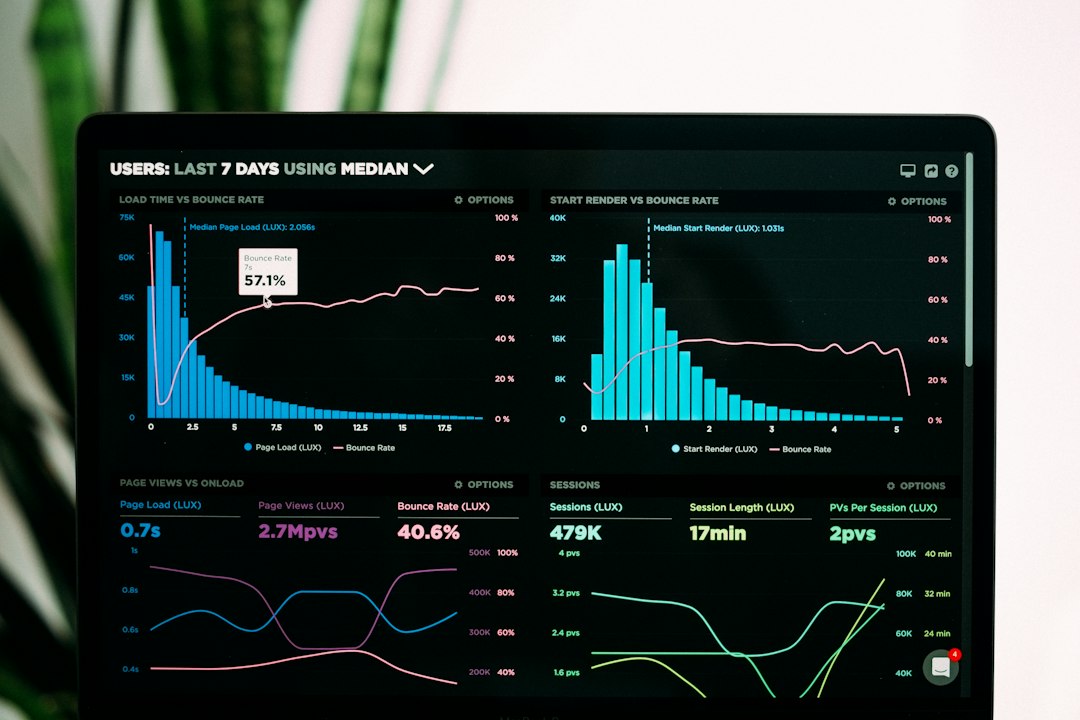
The best free alternatives to the Pingdom website speed test are Google PageSpeed Insights, WebPageTest, GTmetrix, Lighthouse in Chrome DevTools and our own free website speed test. Pingdom is useful for a quick look at load time and a waterfall, but these tools add Google’s Lighthouse scoring, real-user data or deeper testing options.
Key takeaways
- Pingdom’s speed test gives its own performance grade, a waterfall and page details for a chosen test location.
- Google PageSpeed Insights adds Lighthouse scoring and real-user Core Web Vitals data.
- WebPageTest is the strongest free option for detailed technical analysis.
- Scores differ between tools, so compare results from the same tool over time.
What does the Pingdom website speed test show?
The Pingdom website speed test analyzes a URL and shows a performance grade, load time, page size, number of requests and a waterfall of the files that load. You can pick a test location. It is a fast, simple way to see which files take the longest.
Why look for a Pingdom alternative?
People look for alternatives when they want Google’s own scoring, real-user Core Web Vitals, more test settings or a second opinion. Pingdom uses its own performance grade, which is not the same as the Lighthouse score in PageSpeed Insights, so the numbers will not match.
What are the best free Pingdom alternatives?
1. Techsolution free website speed test
Our free page speed checker lets you enter any public URL and get a speed report without an account. It is a quick way to find the biggest issues before using a more detailed tool.
2. Google PageSpeed Insights
PageSpeed Insights runs Lighthouse on mobile and desktop and shows real-user field data when enough data exists. It is the best first choice because the scoring and Core Web Vitals come from Google. Learn how to read it in our guide on PageSpeed Insights accuracy.
3. WebPageTest
WebPageTest offers detailed waterfalls and lets you choose location, device and connection. It is best when you need to find the exact file slowing a page.
4. GTmetrix
GTmetrix combines a Lighthouse-based Performance score with its own Structure score. See what a good GTmetrix grade is and our list of GTmetrix alternatives.
5. Chrome DevTools Lighthouse
Lighthouse is built into Chrome. It runs on your own computer, so you can test pages that are not public yet.
Which tool should you choose?
- For Google’s view and Core Web Vitals, use PageSpeed Insights.
- For a detailed technical breakdown, use WebPageTest.
- For a quick free check, use our speed test.
- For a waterfall from a chosen location, Pingdom or WebPageTest both work.
Whichever you choose, test mobile first and run the test two or three times.
Frequently asked questions
Is the Pingdom speed test free?
Pingdom’s website speed test can be used for free. Pingdom’s monitoring service is a paid product.
Why is my Pingdom grade different from PageSpeed Insights?
They use different scoring methods, test locations and settings. Pingdom uses its own grade, while PageSpeed Insights uses the Lighthouse score.
Which tool is the most accurate?
None is the most accurate. Each tests under different conditions, so pick one or two and compare results over time.
Does Pingdom measure Core Web Vitals?
For Core Web Vitals from real visitors, use PageSpeed Insights or the Search Console report.
What should I do after testing?
Fix the biggest issue first and re-test. See our guide on how to improve website speed.
Conclusion
Pingdom is a handy quick check, but PageSpeed Insights, WebPageTest, GTmetrix and Lighthouse each add something different. Start with our free website speed test, confirm with PageSpeed Insights and use WebPageTest when you need detail.