

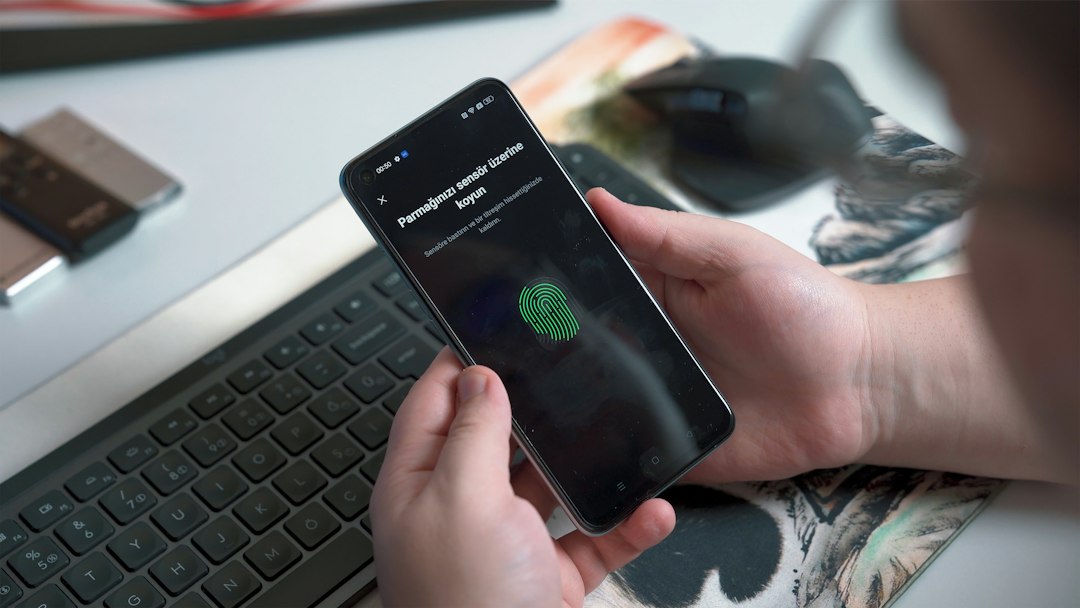
Out-of-band authentication (OOB) verifies a user through a second, separate communication channel from the one used to log in. For example, you sign in on a laptop and approve the request on your phone through an authenticator app, a phone call or a text message. Because an attacker would need to control both channels, out-of-band authentication makes account takeover harder than a password alone.
Key takeaways
- OOB sends a challenge or approval request over a different channel than the login session.
- Common methods are push notifications in an authenticator app, SMS or voice codes, and email links.
- Push-based and app-based methods are generally stronger than SMS or voice, which are exposed to SIM swapping and interception.
- Attacks such as push bombing and real-time phishing can still defeat weak OOB, so add number matching and phishing-resistant options.
- OOB is a delivery method for the second factor, not a replacement for good password and device hygiene.
What is out-of-band authentication?
Out-of-band authentication is a security method in which the verification step travels over a channel that is independent of the main login channel. The word band refers to the communication path. If your login uses the web browser on a PC (the in-band channel), the confirmation uses another path, such as a mobile app or a phone network (the out-of-band channel). It is widely used for banking approvals, VPN and remote access logins, and high-risk transactions.
How does out-of-band authentication work?
Out-of-band authentication works by sending a one-time challenge to a trusted device or number and waiting for the user to confirm it. The flow below shows the typical steps.
- The user enters a username and password, or starts a sensitive transaction, in the main channel.
- The server sends a challenge over a separate channel, such as a push notification, a code by SMS or a phone call.
- The user approves the request or enters the code on the trusted device.
- The server checks that the response matches the challenge and has not expired.
- If it matches, the server grants access or completes the transaction.
What are the types of out-of-band authentication?
The main types are push notifications, SMS and voice, email links and hardware or app-based approvals. They differ in security and convenience:
| Method | How it works | Strengths | Weaknesses |
|---|---|---|---|
| Push notification | Approve or deny a prompt in an authenticator app | Fast, no code to type, can show context | Push bombing and accidental approval |
| SMS or voice code | One-time code sent to a phone number | Works on any phone, no app needed | SIM swapping, interception and phishing of codes |
| Email link or code | Link or code sent to a registered email | Easy to deploy | Only as safe as the email account |
| Transaction approval | Bank app shows details to confirm | Ties approval to the specific action | Users may approve without reading |
Security guidance, including NIST digital identity guidance, treats SMS and voice delivery as higher risk than app-based methods, so use them only where stronger options are not available.
What are the benefits of out-of-band authentication?
The main benefit is that stolen passwords alone are not enough to log in. Key advantages include:
- Defense against credential theft. A leaked password does not unlock the account without the second channel.
- Resistance to malware on one device. A keylogger on the PC cannot read an approval on the phone. See our guide to keyloggers for how that threat works.
- Transaction integrity. The approval message can show the amount or action, so users confirm exactly what they authorize.
- Easy user experience. A single tap on a push prompt is often faster than typing a code.
What are the risks and how do you reduce them?
OOB can fail when attackers trick users or take over the second channel. Watch for these risks:
- SIM swapping. An attacker moves your phone number to their SIM and receives your SMS codes. Prefer app-based methods.
- Push bombing (MFA fatigue). An attacker triggers many prompts until a tired user taps approve. Use number matching and rate limits.
- Real-time phishing. A fake login page relays your credentials and approval to the real site. See how to spot these in our guide to phishing emails. Phishing-resistant options such as passkeys and FIDO2 security keys block this attack.
- Compromised device. Spyware on the phone can read prompts. Learn how to detect it in our guide to spyware.
- Social engineering. Callers pretending to be support ask users to read out codes. Train users never to share codes.
How do you implement out-of-band authentication?
To implement OOB, choose strong methods, protect enrollment and plan recovery. A practical checklist:
- Pick the methods. Prefer app-based push with number matching or passkeys, and limit SMS and voice to fallback use.
- Secure enrollment. Verify identity before a user registers a device or phone number.
- Add context. Show the app, location and action in the approval prompt.
- Limit prompts. Throttle repeated requests and alert on unusual patterns.
- Plan recovery. Give users safe backup methods, so a lost phone does not become a help desk weakness.
- Monitor and train. Log approvals, review anomalies and teach users how push bombing and phishing look.
For the wider picture, read our guide to two-factor authentication, see where identity attacks fit in the top cybersecurity threats in 2026 and learn how a virtual CISO can guide the rollout.
Frequently asked questions
What is the difference between out-of-band authentication and two-factor authentication?
Two-factor authentication means using two different kinds of proof. Out-of-band authentication describes how one of those proofs is delivered, over a separate channel. OOB can provide the second factor, but not every two-factor method is out-of-band.
Is SMS an out-of-band method?
Yes, SMS is an out-of-band channel because it uses the phone network instead of the login session. It is considered weaker than app-based methods because of SIM swapping and interception.
Is out-of-band authentication secure?
It is much safer than a password alone, but its strength depends on the method and the setup. App-based approval with number matching and phishing-resistant options is stronger than SMS codes.
What is an example of out-of-band authentication?
A bank sends a push notification to its mobile app asking you to approve a large transfer you started on the website. You check the details and tap approve.
Does out-of-band authentication stop phishing?
Not always. A real-time phishing site can relay the approval. Passkeys and FIDO2 security keys are designed to resist this, so use them for high-value accounts.
Conclusion
Out-of-band authentication adds a separate channel to your login so a stolen password is not enough. Choose app-based approvals with number matching or phishing-resistant methods, keep SMS as a fallback, protect enrollment and recovery, and train users to spot prompts they did not start.