

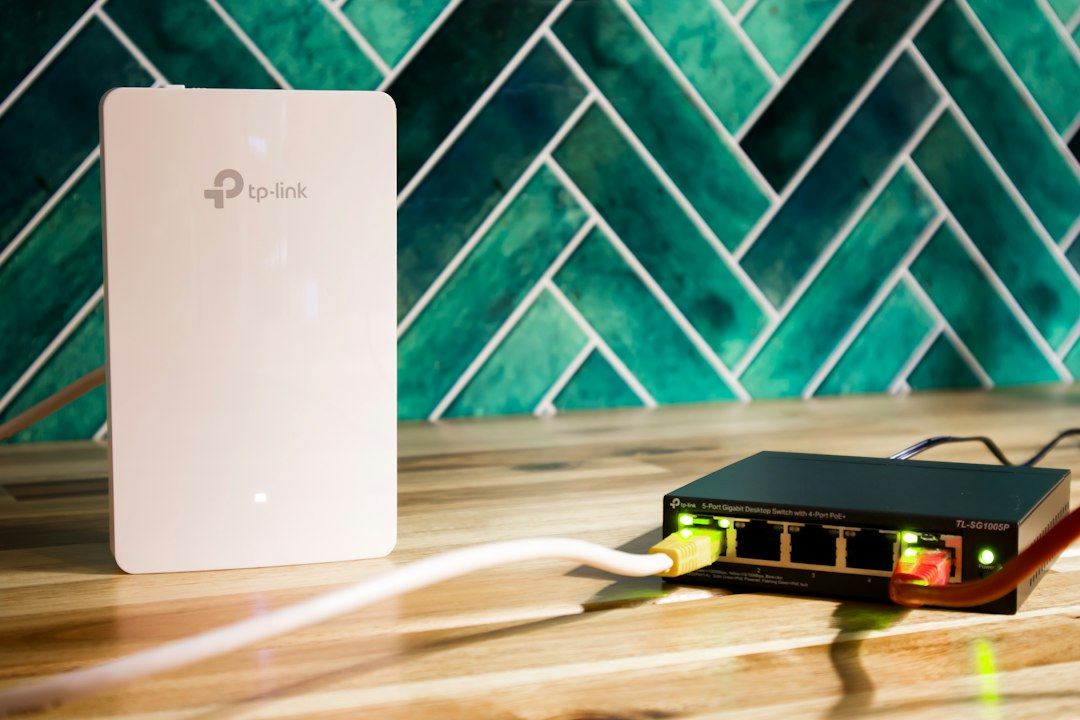
WIPS vs WIDS comes down to one difference: a WIDS (wireless intrusion detection system) detects wireless threats and alerts you, while a WIPS (wireless intrusion prevention system) detects the same threats and can also block or contain them automatically. Both watch the radio spectrum for rogue access points, evil twins, deauthentication floods and unauthorized devices. Choose WIDS when you want visibility and manual control, and WIPS when you need automatic enforcement.
Key takeaways
- WIDS is passive: it monitors wireless traffic and raises alerts.
- WIPS is active: it monitors, alerts and can automatically contain rogue access points or block malicious clients.
- Both use sensors, either dedicated devices or access points that scan, and a central analysis engine.
- Automatic containment can disrupt legitimate neighboring networks, so tune policies carefully.
- Many modern wireless platforms include both functions, and compliance rules often require detecting unauthorized access points.
What is the difference between WIPS and WIDS?
The difference is the response. A WIDS observes the airwaves and reports suspicious activity, so a person decides what to do. A WIPS takes the same observations and acts on them, for example by disconnecting clients from a rogue access point or blocking a device that attacks the network. If you want the full background on prevention systems, read our guide to what a WIPS is.
| Feature | WIDS | WIPS |
|---|---|---|
| Full name | Wireless intrusion detection system | Wireless intrusion prevention system |
| Main job | Detect and alert | Detect, alert and respond |
| Response | Manual, by an administrator | Automatic or policy-driven containment |
| Risk of disruption | Low, because it only listens | Higher, because it can block or disconnect devices |
| Setup effort | Lower | Higher, needs tuned policies |
| Best for | Small networks and teams that want visibility | Larger or regulated networks that need fast enforcement |
How do WIDS and WIPS work?
Both systems use wireless sensors that listen on Wi-Fi channels and send what they see to an analysis engine. The engine compares traffic with known attack patterns, normal behavior and your policy. The diagram shows where the two systems differ: after detection, WIDS alerts, while WIPS alerts and acts.
Sensors come in two common designs. An overlay system uses dedicated sensors that only monitor. An integrated system uses regular access points that also scan the airwaves, either part time or in a dedicated monitor mode.
What threats do WIDS and WIPS detect?
They detect threats that happen over the air, which firewalls and wired security tools cannot see. Common examples:
- Rogue access points. Unauthorized access points plugged into your wired network.
- Evil twin and honeypot access points. Fake networks that copy your network name to capture credentials. Tools such as the one described in our Wi-Fi Pineapple guide can create these.
- Deauthentication and disassociation floods. Attacks that knock clients off the network.
- Unauthorized or misconfigured clients. Devices that connect to the wrong network or use weak settings.
- Ad hoc networks and bridging. Devices that create side channels around your security.
- Denial of service and spoofing. Traffic that disrupts service or impersonates trusted devices.
When should you use WIDS and when WIPS?
Use WIDS when you need visibility and want a person to review every action, and use WIPS when you need fast, automatic enforcement. Use this guide:
- Choose WIDS for small offices, labs, and networks where an unexpected block could cause harm, such as medical or industrial settings.
- Choose WIPS for enterprises, retail and other regulated environments that need rogue access points contained quickly.
- Start with detection, then enable prevention. Run in alert mode first, review the results and tune your policy, then turn on automatic containment for confirmed threats.
Compliance can also decide the answer. For example, PCI DSS expects organizations to detect unauthorized wireless access points, and a WIDS or WIPS is a common way to do it.
What are the risks and limits of WIPS?
The main risks of WIPS are false positives and collateral damage. A system that blocks the wrong device can disconnect legitimate users. A WIPS that contains a neighboring organization access point can disrupt that network and may create legal issues, so most vendors let you restrict containment to access points that are connected to your own wired network. Other limits:
- Sensors only see the channels and areas they cover, so plan sensor placement.
- Encrypted traffic cannot be inspected for content, only for behavior and metadata.
- Protected management frames (802.11w), which are required with WPA3, reduce the impact of deauthentication attacks.
- Wireless detection does not replace host and network controls. See how a host intrusion prevention system protects endpoints.
How do you deploy WIDS or WIPS?
To deploy WIDS or WIPS, define your goal, choose a sensor design, place sensors, set policies and test. Follow these steps:
- Define the goal. Decide whether you need visibility, compliance reporting or automatic enforcement.
- Choose the architecture. Pick overlay sensors, integrated access points or a cloud-managed platform.
- Map coverage. Run a site survey and place sensors so every floor and channel is covered.
- Define a baseline. List authorized access points and clients so the system can spot unknown ones.
- Start in alert mode. Review alerts for a few weeks and tune out false positives.
- Enable containment carefully. Turn on automatic response for confirmed rogue access points on your wired network only.
- Integrate and review. Send alerts to your SIEM or ticket system and review reports regularly.
Also secure the basics. Our guide on how to protect your Wi-Fi from hackers covers strong encryption and router settings, and the overview of the top cybersecurity threats in 2026 shows where wireless attacks fit.
Frequently asked questions
Is WIPS the same as WIDS?
No. WIDS detects and alerts, while WIPS also responds automatically. WIPS includes detection, so every WIPS can do what a WIDS does, but not the other way around.
Can a WIPS block a rogue access point?
Yes. A WIPS can contain a rogue access point, usually by sending frames that stop clients from staying connected to it, or by blocking its port on the wired network if the system can reach the switch.
Do I need WIPS if I use WPA3?
WPA3 protects the connection, but it does not find rogue access points or unauthorized devices. Detection is still useful, because attackers can set up fake networks or plug unauthorized hardware into your wired network.
Is WIDS or WIPS required for compliance?
Some standards, such as PCI DSS, require you to detect unauthorized wireless access points. A WIDS or WIPS is one way to meet that need, and manual scans can also work for small environments.
What is the difference between WIPS and a firewall?
A firewall filters traffic between networks, while a WIPS watches the wireless radio environment for attacks and rogue devices. They protect different layers and work best together.
Conclusion
WIDS gives you eyes on the airwaves, and WIPS adds hands to act on what it sees. Start with detection, tune your policies, then enable prevention where automatic containment is safe. Combined with strong encryption, good access control and regular reviews, either system helps close wireless blind spots that wired security cannot see.