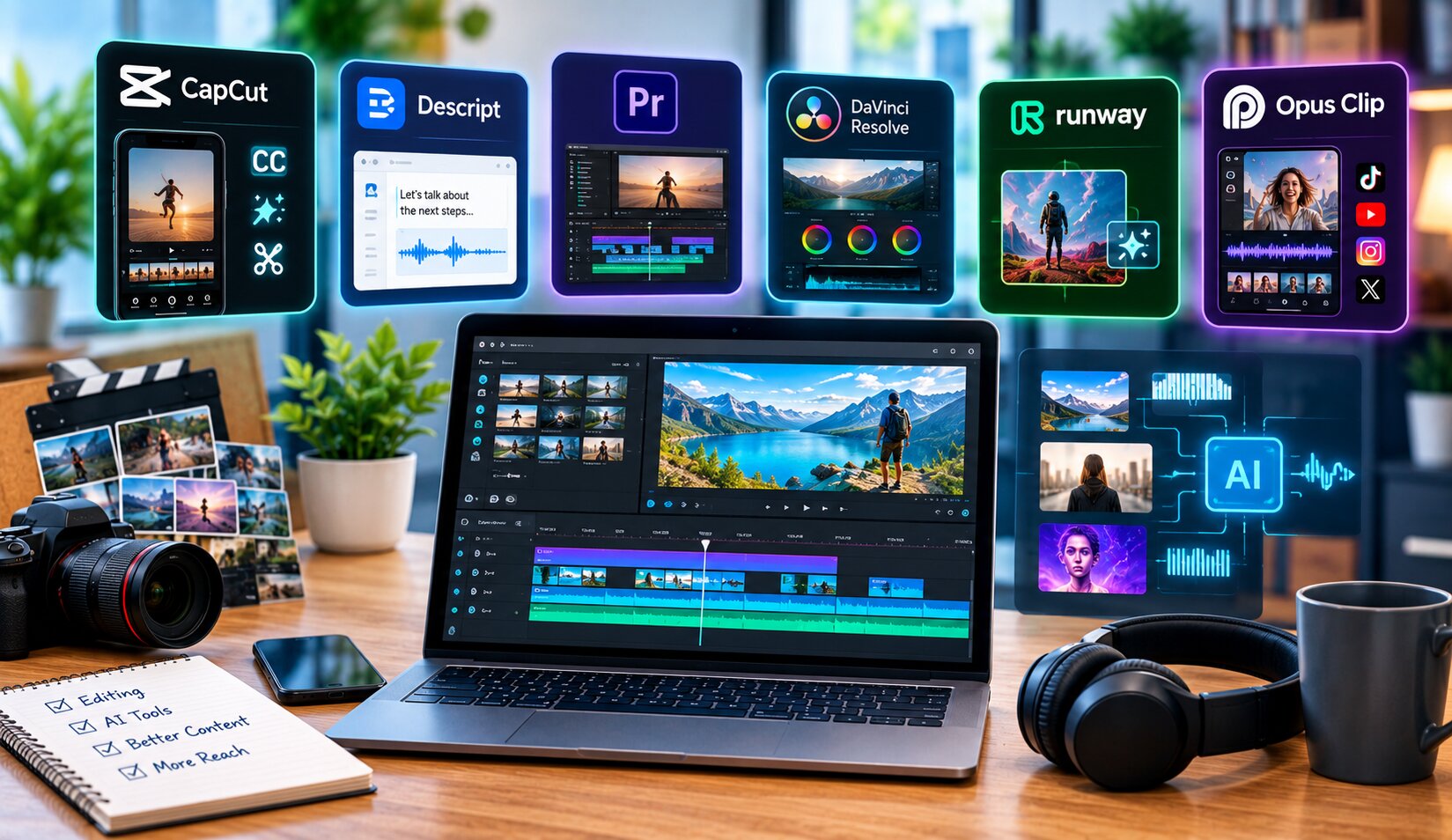
There’s no single “best” AI video editor in 2026. The right pick depends entirely on the job: cutting a podcast, generating a social clip, or finishing a professional timeline. So instead of crowning one winner, here’s a breakdown of the top tools by what they’re actually good at, plus real pricing.
Key Takeaways
- CapCut remains the strongest free option for social-first editing and mobile workflows.
- Descript leads for transcript-based editing, ideal for podcasts and talking-head video.
- Adobe Premiere Pro and DaVinci Resolve stay the top choices for professional timeline control.
- Runway leads for generative AI effects and shot creation.
- Opus Clip specializes in turning long-form video into short social clips automatically.
Best AI Video Editing Tools by Job
Best free option: CapCut
CapCut offers a genuinely capable free tier with AI auto-captions, an AI auto-cut feature, and mobile-first editing built for TikTok and Reels. A paid tier runs around $19.99/month and adds more advanced AI tools, though the free version alone covers most casual creator needs.
Best for podcasts and talking-head video: Descript
Descript lets you edit video by editing a text transcript, removing filler words and cutting sections just by deleting text. Pricing runs free for a limited tier, scaling up to around $24-50/month depending on usage, with an AI-powered “Studio Sound” for audio cleanup built in.
Best for professional editing: Adobe Premiere Pro
Premiere Pro remains the industry standard for full creative control, now with Firefly-powered AI features for auto-captioning, audio enhancement, and object removal built directly into the timeline. Pricing runs around $22.99-34.49/month depending on the plan.
Best value for professionals: DaVinci Resolve
DaVinci Resolve offers a genuinely strong free version, with the paid Studio version available as a one-time purchase around $295. AI features require the Studio tier and benefit from a relatively recent GPU, but the color grading and audio tools remain best-in-class.
Best for AI effects and generative shots: Runway
Runway specializes in generative video, letting creators generate or transform shots using its Gen-4.5 model, plus AI-powered inpainting and background removal. Pricing starts around $15/month for the standard plan, with API access priced per generated clip for developers building on top of it.
Best for repurposing long-form content: Opus Clip
Opus Clip automatically scores and clips long-form video into short, social-ready segments, detecting hooks and high-engagement moments. It offers a free tier with watermarks, moving to roughly $29/month for watermark-free, higher-resolution exports.
Quick Comparison Table
| Tool | Best For | Starting Price | Free Tier |
|---|---|---|---|
| CapCut | Mobile & social editing | Free / ~$19.99/mo | Yes, generous |
| Descript | Transcript-based editing | Free / ~$24/mo | Yes, limited |
| Adobe Premiere Pro | Professional editing | ~$22.99/mo | No |
| DaVinci Resolve | Pro color & value | Free / $295 one-time (Studio) | Yes, full-featured |
| Runway | Generative AI effects | ~$15/mo | Limited credits |
| Opus Clip | Long-form to short clips | Free (watermarked) / ~$29/mo | Yes |
| VEED | Browser-based team editing | Free / ~$18/mo | Yes |
How to Choose the Right Tool for You
“There is no single winner in AI video editing. The real question isn’t which app to open, it’s which tool matches the specific job you’re doing that day.” — industry analysis from 2026 AI video editing comparisons.
Start by identifying your actual bottleneck. If you’re producing short-form social content from raw footage, Opus Clip or CapCut save the most time. If your work centers on interviews or spoken content, Descript’s transcript-based editing changes the workflow entirely. For polished, professional deliverables, Premiere Pro and DaVinci Resolve remain the safest choices, and many working editors combine several tools rather than relying on just one.
Frequently Asked Questions
What is the best free AI video editing tool in 2026?
CapCut offers the most capable free tier among mainstream AI video editors, including AI auto-captions and auto-cut features, while DaVinci Resolve provides the strongest free option for professional-grade editing.
Do I need a paid plan to use AI video editing features?
Not always. Many tools, including CapCut and DaVinci Resolve, offer meaningful AI functionality in their free tiers, though advanced features like higher resolution exports or watermark removal typically require a paid plan.
Which AI video editor is best for YouTube creators?
Descript works well for talking-head YouTube content through transcript editing, while Opus Clip helps repurpose long videos into shorts, and many YouTube creators combine both tools in their workflow.
Is Adobe Premiere Pro worth it compared to free alternatives?
For professional, high-control editing work, yes, particularly given its Firefly AI integration. For casual or social-first content, free tools like CapCut or DaVinci Resolve often meet the need without the subscription cost.
Can AI video editing tools replace a professional editor entirely?
For simple, high-volume content, largely yes. For complex, narrative-driven projects requiring nuanced creative decisions, AI tools speed up the process but still benefit from human oversight and editing judgment.
Conclusion
The best AI video editing tool in 2026 depends entirely on the job at hand, not a single universal winner. CapCut and DaVinci Resolve cover strong free options, Descript transforms transcript-based editing, Runway leads generative effects, and Premiere Pro remains the professional standard. Match the tool to your actual workflow bottleneck, and you’ll get far more value than chasing whichever tool tops a single ranked list.
For related reading, see our guides on best AI writing tools for students, AI voice generators transforming content creation, and best AI talking photo maker tools.