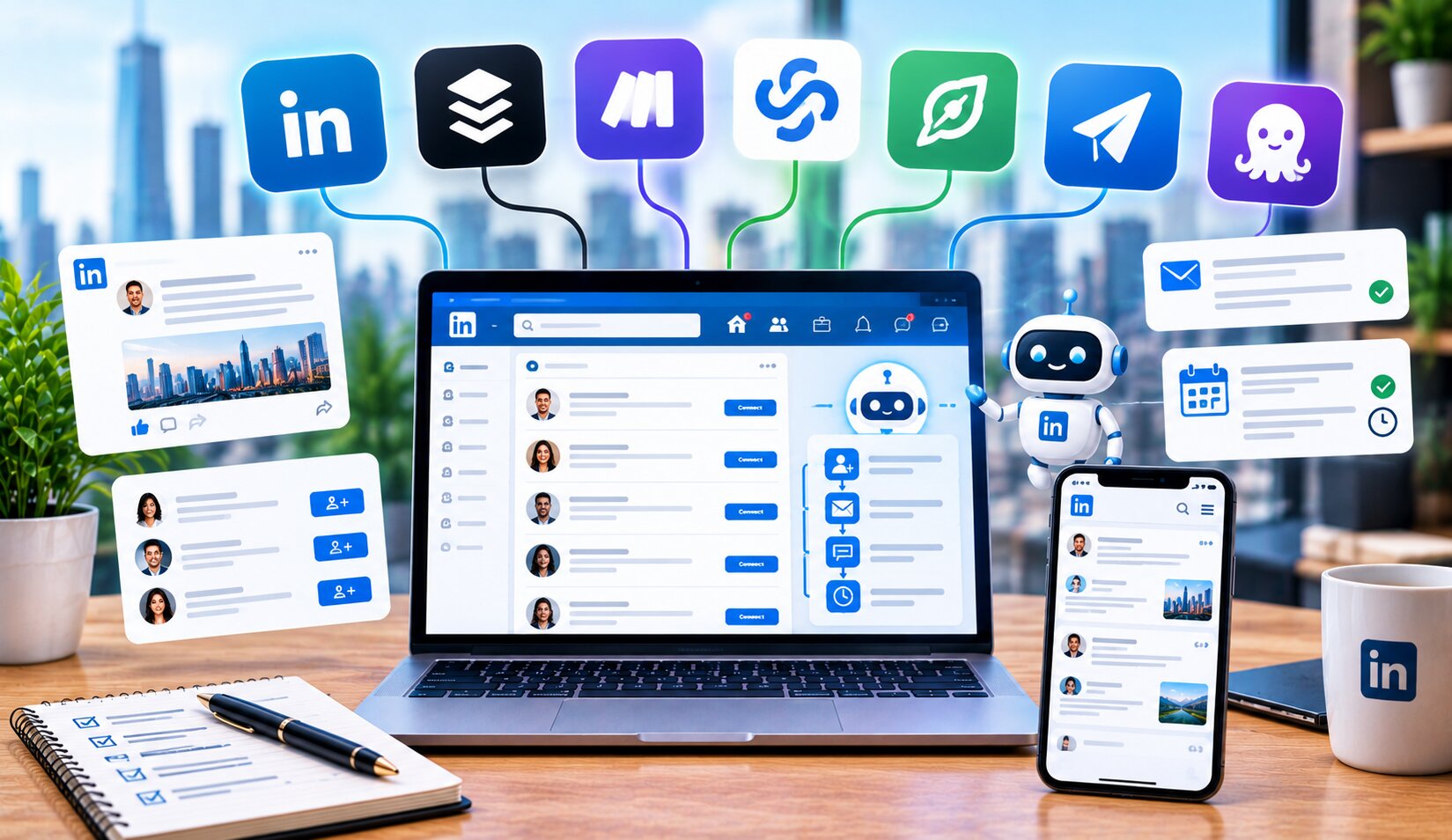
LinkedIn automation covers a wider range of jobs than most people expect: outreach sequences, content scheduling, data scraping, and multi-account agency management all fall under the same umbrella term. Picking the wrong tool for your actual use case wastes both money and, in some cases, your LinkedIn account’s standing. Here’s how the top tools break down by what they actually do best.
Key Takeaways
- LinkedIn automation tools split into distinct categories: outreach sequencing, content creation, data extraction, and agency management.
- Expandi and Dripify lead for cloud-based outreach with conditional logic.
- Taplio remains a top pick for content creation and LinkedIn analytics.
- HeyReach specializes in agencies managing multiple LinkedIn accounts at once.
- Account safety varies significantly between browser-based and cloud-based tools.
Best LinkedIn Automation Tools by Use Case
Best for cloud-based outreach sequences: Expandi
Expandi runs outreach campaigns from a dedicated cloud IP address, which reduces the account-ban risk associated with browser extensions, and supports detailed conditional, if/else campaign logic. Pricing starts around $99/month per seat.
Best for visual drip campaigns: Dripify
Dripify offers an accessible, visual campaign builder for LinkedIn outreach sequences, making it a common choice for solo sales professionals and smaller teams. Pricing runs around $39-79/month depending on the plan tier.
Best for content creation and scheduling: Taplio
Taplio focuses on LinkedIn content rather than outreach, combining post scheduling, analytics, and AI-assisted writing to help build a consistent posting habit. Pricing runs around $39-149/month based on feature tier.
Best for agencies managing multiple accounts: HeyReach
HeyReach is built specifically for agencies running LinkedIn outreach across many client accounts at once, with a unified inbox that consolidates replies across all of them. Pricing runs around $79 per sender per month.
Best budget option: Octopus CRM
Octopus CRM offers LinkedIn automation as a Chrome extension at one of the lowest price points in the category, making it a common starting point for individual users testing automation for the first time. Pricing starts around $9.99/month.
Best for data extraction: PhantomBuster
PhantomBuster specializes in scraping LinkedIn profile and company data, plus building automation chains that connect LinkedIn data to other tools via API. Pricing runs usage-based, typically starting around $56-69/month.
Quick Comparison Table
| Tool | Best For | Starting Price | Architecture |
|---|---|---|---|
| Expandi | Cloud outreach with conditional logic | ~$99/mo/seat | Cloud, dedicated IP |
| Dripify | Visual drip campaigns | ~$39-79/mo | Cloud |
| Taplio | Content creation & analytics | ~$39-149/mo | Cloud |
| HeyReach | Agency multi-account management | ~$79/sender/mo | Cloud |
| Octopus CRM | Budget individual automation | ~$9.99/mo | Chrome extension |
| PhantomBuster | Data extraction & automation chains | ~$56-69/mo | Cloud, usage-based |
| Waalaxy | Beginner multichannel prospecting | Free / ~$52/mo | Cloud |
Why Account Safety Should Drive Your Choice
“LinkedIn automation safety in 2026 depends entirely on how you do it. Browser extensions carry real detection risk, since LinkedIn actively identifies unusual browser-based activity patterns. Cloud-based tools with dedicated IPs generally carry lower risk.” — synthesis of 2026 LinkedIn automation safety comparisons.
Before picking a tool based on price or features alone, consider account safety carefully. Browser extension-based tools tend to carry higher detection risk than cloud-based platforms running from dedicated IP addresses, particularly at higher outreach volumes. For anyone relying on LinkedIn for actual revenue generation, the extra cost of a safer, cloud-based tool often pays for itself by avoiding a costly account restriction.
How to Choose the Right Tool for Your Needs
- Define your primary use case — Outreach, content, agency management, and data extraction each favor different tools, so start by identifying your main job.
- Weigh account safety against cost — Cheaper, browser-based tools carry higher risk than pricier, cloud-based alternatives with dedicated IP infrastructure.
- Check for multichannel needs — If your outreach also needs email or other channels, prioritize tools built for multichannel sequences rather than LinkedIn-only platforms.
- Consider team vs. solo use — Agency-focused tools like HeyReach differ significantly from solo-focused tools like Taplio, so match the tool to your actual team structure.
- Start with a trial before committing — Most tools in this category offer trial periods, which let you test actual results before locking into a longer-term plan.
Frequently Asked Questions
Is LinkedIn automation against LinkedIn’s terms of service?
Automation exists in a gray area, and aggressive or poorly configured automation can trigger account restrictions, so choosing safety-conscious tools and reasonable usage volumes matters significantly.
What’s the safest type of LinkedIn automation tool?
Cloud-based tools running from dedicated IP addresses generally carry lower detection risk than browser extension-based tools, since they more closely mimic normal, human browsing patterns.
Can I use LinkedIn automation for free?
Some tools, like Waalaxy, offer functional free tiers with limited monthly invitation volumes, though most serious outreach volume requires a paid plan.
Which LinkedIn automation tool is best for agencies?
HeyReach specifically targets agency use cases with multi-account management and a unified inbox, making it a common choice for agencies running outreach across many client accounts simultaneously.
Do I need a LinkedIn automation tool, or can I do outreach manually?
This depends on volume. Small-scale, personalized outreach often works fine manually, but scaling beyond a handful of contacts per day typically benefits from automation to maintain consistency without excessive time investment.
Conclusion
LinkedIn automation tools in 2026 split cleanly by job: outreach sequencing, content creation, agency management, and data extraction each have distinct category leaders. Rather than choosing based on price alone, weigh account safety carefully, since a banned or restricted LinkedIn account costs far more than the savings from a cheaper, riskier tool. Match your choice to your actual primary use case, and test with a trial before committing to a longer-term plan.
For related reading, see our guides on best AI tools for Facebook ad creative, best AI tools for dropshipping, and intelligent workflow automation.