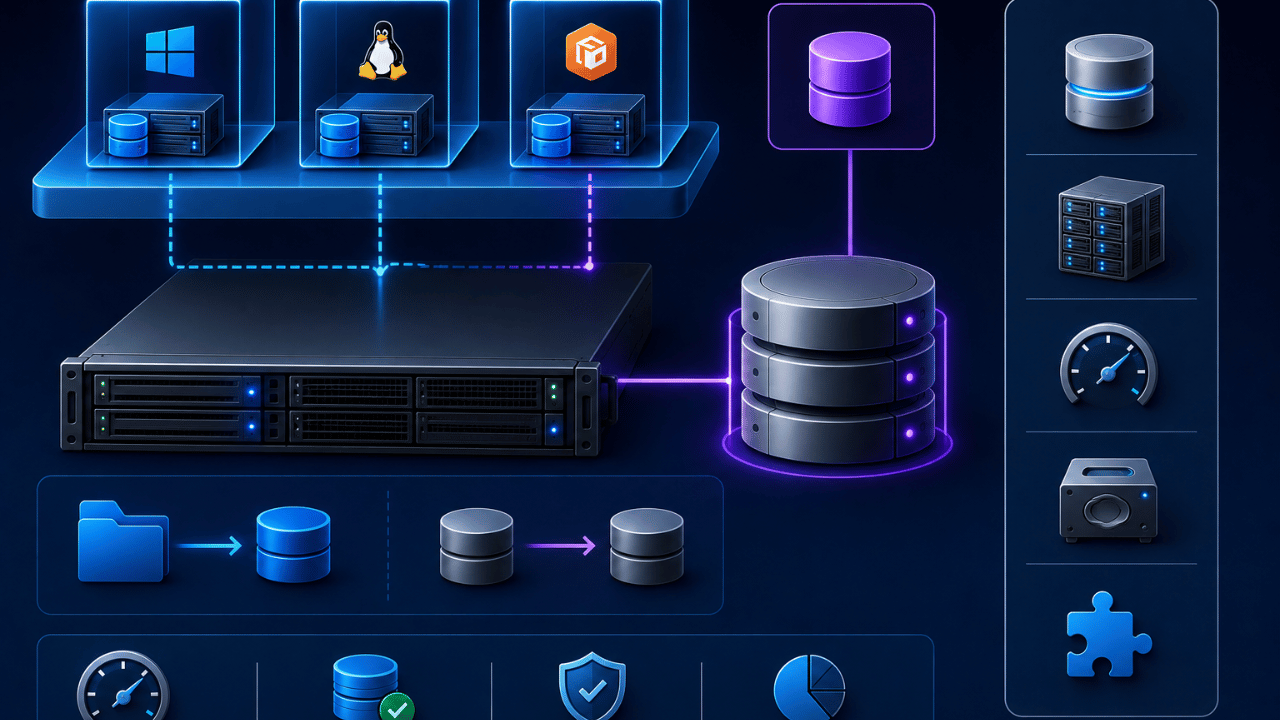
Most virtual machines store their data in a single virtual disk file — but sometimes that layer of abstraction gets in the way. This guide explains what raw disk mapping actually is, why virtualization admins use it instead of a standard virtual disk, and where its limitations show up in real deployments.
Key Takeaways
- Raw disk mapping (RDM) lets a virtual machine access a physical storage device directly, bypassing the standard virtual disk file
- It’s most commonly used in VMware environments, where it’s formally called Raw Device Mapping — the two terms are used interchangeably in practice
- RDM is typically used for clustering setups, storage-based backup tools, and applications that need direct access to disk-level features
- It comes with trade-offs: reduced portability, more complex management, and fewer supported features compared to standard virtual disks
- Most modern deployments only use RDM when a specific technical requirement demands it — not as a general-purpose storage choice
What Is Raw Disk Mapping (RDM)?
Raw disk mapping is a storage configuration that allows a virtual machine to access a physical storage device directly, rather than through a standard virtual disk file sitting on top of a shared datastore. In VMware environments, this feature is formally known as Raw Device Mapping — but “raw disk mapping” is a widely used alternate phrasing for the exact same concept, since both describe a VM connecting straight to the underlying physical LUN.
Instead of the virtual machine reading and writing to a .vmdk file that VMware manages on its behalf, an RDM setup gives the VM a direct pass-through connection to the raw storage device itself. The hypervisor still manages access and permissions, but the virtual machine interacts with the storage almost as if it were physically attached.
How Does Raw Disk Mapping Work?
Raw disk mapping works by creating a small mapping file that acts as a proxy, pointing the virtual machine to a specific physical LUN (logical unit number) on a SAN, while the actual data reads and writes bypass the standard virtual disk layer entirely. This mapping file holds metadata about the physical device, but none of the actual application data — that lives directly on the raw device.
RDM is available in two modes:
- Physical compatibility mode: Gives the VM near-complete control over the physical device, including most low-level SCSI commands, but restricts features like snapshots.
- Virtual compatibility mode: Behaves more like a standard virtual disk, supporting snapshots and other VMware features, while still providing direct disk access.
When Should You Use Raw Disk Mapping?
Raw disk mapping is typically used when an application needs direct, low-level access to a physical storage device that a standard virtual disk can’t provide — most commonly in clustering configurations, storage-based backup and replication tools, and legacy applications built to interact directly with disk-level features. A few common scenarios include:
- Microsoft Cluster Services (MSCS) setups, where clustered nodes need shared, direct access to the same physical disk.
- Storage array-based snapshot or replication tools that require direct visibility into the underlying LUN rather than a virtualized file.
- Applications with strict disk I/O requirements that perform better with fewer layers of virtualization overhead between the app and the physical hardware.
Raw Disk Mapping vs. Standard Virtual Disks
The core difference between raw disk mapping and a standard virtual disk is the layer of abstraction: a standard virtual disk stores data in a portable file managed by the hypervisor, while RDM connects the VM directly to the physical device with minimal abstraction in between. This trade-off affects portability, feature support, and management complexity.
| Factor | Raw Disk Mapping (RDM) | Standard Virtual Disk (VMDK) |
|---|---|---|
| Access method | Direct to physical LUN | Through hypervisor-managed file |
| Portability | Lower — tied to specific hardware | Higher — file-based and easy to move |
| Feature support | Limited in physical compatibility mode | Full support for snapshots, cloning, etc. |
| Best for | Clustering, storage-based tools | General-purpose VM storage |
| Management complexity | Higher | Lower |
What Are the Limitations of Raw Disk Mapping?
The biggest limitation of raw disk mapping is reduced flexibility — RDM-backed disks are harder to migrate, don’t support the full range of VMware features like storage vMotion in every configuration, and require more careful manual tracking than standard virtual disks. Because of this added complexity, most virtualization teams avoid using RDM unless a specific application or clustering requirement genuinely calls for it.
Other common limitations include:
- No support for certain snapshot operations when running in physical compatibility mode.
- More manual administrative overhead, since RDM mappings need to be tracked and managed outside of standard VM storage workflows.
- Reduced storage efficiency features, such as thin provisioning benefits that standard virtual disks take full advantage of.
Frequently Asked Questions
Raw disk mapping is primarily used when a virtual machine needs direct access to a physical storage device, most commonly for clustering setups, storage-based backup tools, and applications requiring low-level disk access.
Yes — “raw disk mapping” and “Raw Device Mapping” refer to the same VMware feature; Raw Device Mapping is the official, formal term, while “raw disk mapping” is a commonly used alternate phrasing.
In some cases, yes — because RDM reduces the layers between the VM and the physical storage, certain I/O-intensive applications can see a modest performance benefit, though the difference is often small compared to a well-configured standard virtual disk.
It depends on the mode — RDM disks in virtual compatibility mode support most standard VMware snapshot features, while disks in physical compatibility mode have limited or no snapshot support.
RDM usage has declined as VMware and other platforms have improved standard virtual disk performance and features, but it’s still used in specific cases like clustering and certain storage-based replication tools where direct disk access remains a requirement.
The main risk is reduced portability and flexibility — RDM-backed VMs are harder to migrate between hosts or datastores and require more careful manual management than standard virtual disks.
Final Thoughts
Raw disk mapping exists to solve a specific problem: giving a virtual machine direct access to physical storage when a standard virtual disk’s abstraction gets in the way. For most everyday workloads, a standard virtual disk remains the simpler, more flexible choice — RDM earns its place only when clustering, storage-based tooling, or a specific application requirement genuinely demands it.
For more on managing storage and data reliability, check out our related guides on Recover Data from a Corrupted SQL Database Using Backups and The Importance of Businesses Having a Secure Cloud Solution.