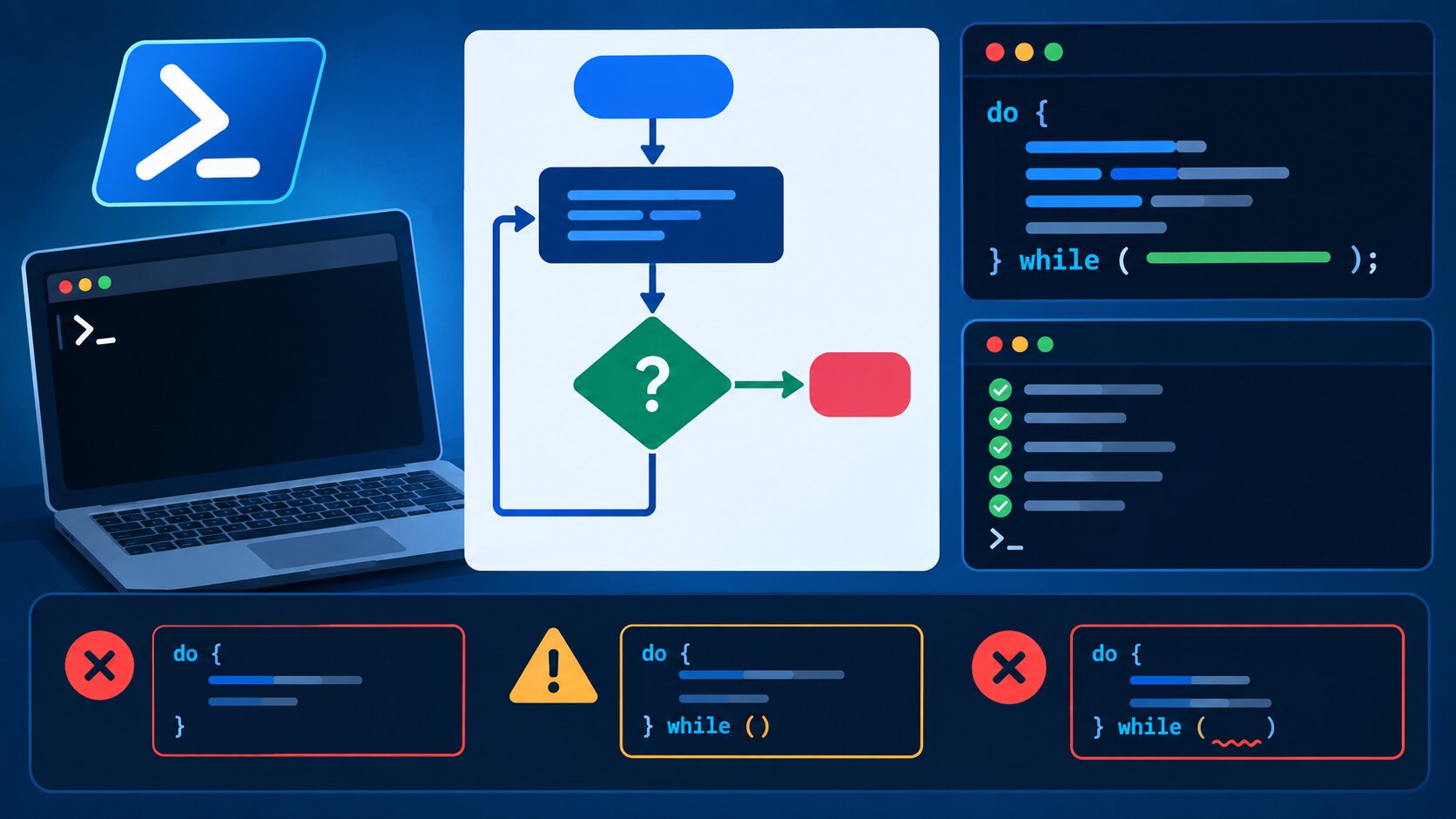
Most loops check their condition before running. The Do-While loop flips that order. It runs the code first, then checks whether to run again. That small difference matters more than it seems, and it trips up a lot of PowerShell beginners. Here’s exactly how the syntax works, real examples, and the mistakes to avoid.
Key Takeaways
- A PowerShell Do-While loop always executes its code block at least once, before checking the condition.
- Basic syntax:
do { <code> } while (<condition>). - Do-While differs from a standard While loop, which checks the condition first and might never execute.
- Common errors include infinite loops from a condition that never becomes false, and confusing Do-While with Do-Until.
- Understanding loop behavior matters for building reliable intelligent automation workflows and IT scripting tasks.
What Is a PowerShell Do-While Loop?
A Do-While loop in PowerShell runs a block of code at least once, then continues repeating that block as long as a specified condition remains true. This differs from a standard While loop, which checks the condition before running the code even a single time. Microsoft’s official PowerShell documentation categorizes Do-While alongside Do-Until as one of the language’s “post-condition” loop types, meaning the condition check happens after the code executes, not before. Related concepts include the While loop, For loop, ForEach-Object, and loop control statements like break and continue.
In simple terms, a Do-While loop guarantees its code runs at least once, no matter what. A regular While loop makes no such guarantee.
Basic Do-While Loop Syntax
The core syntax follows a simple, consistent structure:
do {
    # code to execute
} while (<condition>)
The code inside the curly braces runs first. Then PowerShell checks the condition. If the condition evaluates to true, the loop runs again. If it’s false, the loop stops.
Simple Do-While Loop Example
Here’s a basic example that counts from 1 to 5:
$counter = 1
do {
    Write-Output "Count: $counter"
    $counter++
} while ($counter -le 5)
This outputs the numbers 1 through 5. Because it’s a Do-While loop, even if $counter started at a value already greater than 5, the loop would still run once before checking the condition and stopping.
Do-While vs. While: Key Difference
This next example highlights exactly why the distinction matters:
# While loop - condition checked first
$x = 10
while ($x -lt 5) {
    Write-Output "This will never print"
}

# Do-While loop - code runs first, regardless
$x = 10
do {
    Write-Output "This prints once, even though the condition is false"
} while ($x -lt 5)
In the While loop example, the code never executes, since the condition is false from the start. In the Do-While example, the code runs exactly once before PowerShell checks the condition and exits the loop.
Do-While vs. Do-Until: Don’t Confuse Them
PowerShell also offers a Do-Until loop, and beginners frequently mix the two up, since they look almost identical.
| Feature | Do-While | Do-Until |
|---|---|---|
| Continues looping when condition is… | True | False |
| Stops looping when condition is… | False | True |
| Example use | do {...} while ($x -lt 10) |
do {...} until ($x -ge 10) |
| Common mistake | Forgetting the loop stops when condition becomes false | Forgetting the loop stops when condition becomes true |
Both accomplish similar goals, but with inverted logic. Choosing the wrong one, or forgetting which direction the logic runs, is one of the most common sources of confusion for newer PowerShell scripters.
Common Do-While Loop Errors
Infinite loops
If the condition never becomes false, the loop runs forever. This usually happens when the code inside the loop forgets to update the variable being checked in the condition.
# This creates an infinite loop - $counter is never incremented
$counter = 1
do {
    Write-Output "Count: $counter"
} while ($counter -le 5)
Fix: Always confirm the loop body actually changes the value being tested in the condition, as shown in the earlier working example.
Off-by-one errors
Using the wrong comparison operator, like -lt instead of -le, can cause a loop to run one time too many or one time too few.
Fix: Double-check whether you need “less than,” “less than or equal to,” or another comparison, based on the exact range you intend to cover.
Confusing Do-While with a standard While loop
Using Do-While when you actually need the condition checked before any execution, particularly when the initial condition might already be false, can cause code to run unintentionally at least once.
Fix: Use a standard While loop instead when you need the condition verified before the first execution.
Why This Matters for IT Scripting
“Loop logic errors are some of the most common bugs I see in PowerShell scripts written by people newer to the language. A Do-While loop running one extra time doesn’t always throw an error. It just quietly produces wrong results, which is often worse.” — Kevin Ortiz, Senior Systems Administrator, Enterprise IT Automation Group, 2025.
Loop control matters far beyond simple counting examples. In real IT automation scripts, a Do-While loop might poll a server until it responds, or retry a failed operation a set number of times. Getting the condition logic wrong in those scenarios can cause scripts to hang indefinitely or stop before finishing a critical task. This same discipline around correct conditional logic applies broadly to intelligent workflow automation, where scripted decision points need to behave predictably every time.
Frequently Asked Questions
When should I use Do-While instead of a regular While loop?
Use Do-While when you need the code to execute at least once, regardless of the condition, such as prompting a user for input and validating it after the first attempt.
Can a Do-While loop run zero times?
No. A Do-While loop always executes its code block at least once, since the condition check happens after the first execution, not before it.
How do I exit a Do-While loop early?
Use the break statement inside the loop body to exit immediately, regardless of whether the while condition is still true.
What’s the difference between Do-While and For loops?
A For loop typically handles a known, fixed number of iterations with built-in counter management, while Do-While suits situations where the number of iterations depends on a condition evaluated during execution.
Why does my Do-While loop run forever?
This almost always means the condition being checked never becomes false, usually because the loop body doesn’t update the variable involved in that condition correctly.
Conclusion
A PowerShell Do-While loop guarantees its code runs at least once before checking whether to continue, which makes it a useful tool for scenarios like input validation or retry logic. The syntax itself is simple, but small mistakes, like forgetting to update a loop variable or confusing Do-While with Do-Until, cause real bugs in production scripts. Keep the core logic clear, test edge cases deliberately, and Do-While loops become a reliable part of any PowerShell scripting toolkit.
For related reading, see our guides on intelligent workflow automation, what is on-demand computing, and ad hoc analysis.