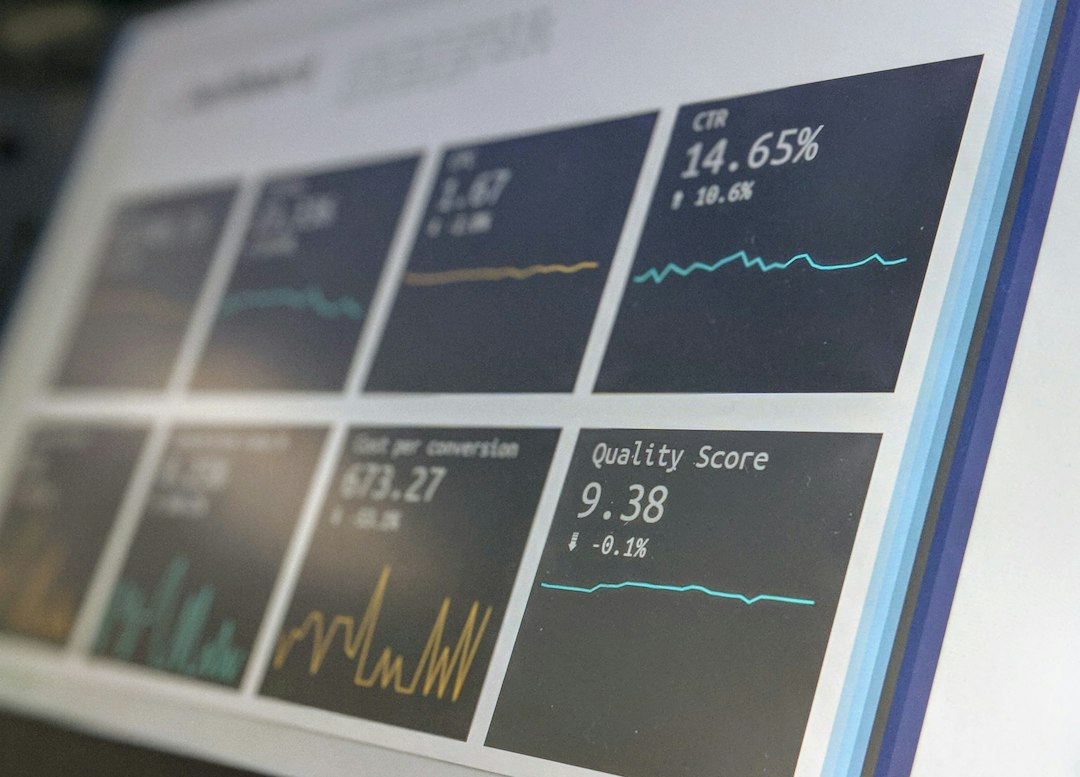
Website performance monitoring tools track how fast your site is over time, so you notice slowdowns before visitors do. They come in three types: synthetic monitoring (scheduled lab tests), real user monitoring (data from actual visitors) and uptime monitoring. For a one-off check, use our free website speed test. For ongoing tracking, combine free Google tools with a monitoring service if you need alerts.
Key takeaways
- A single speed test is a snapshot. Monitoring shows trends and catches regressions.
- Google Search Console and the Chrome UX Report give free real-user Core Web Vitals data.
- Paid services add scheduled tests, alerts and history.
- Check each provider’s current features and pricing on its own website, because they change.
What is website performance monitoring?
Website performance monitoring means measuring your site’s speed and availability regularly, not once. It answers questions such as: did the last plugin update slow the site down, and are real visitors having a good experience? One-off tests find problems, and monitoring watches for new ones.
What are the types of performance monitoring?
- Synthetic monitoring: a tool tests your page on a schedule from set locations and logs the results.
- Real user monitoring: data collected from visitors’ actual browsers.
- Uptime monitoring: checks that your site is reachable and alerts you if it is not.
What are the best free monitoring tools?
Google Search Console
The Core Web Vitals report in Search Console groups your URLs by status using real-user data. It is free and shows which page groups fail. See our Core Web Vitals test guide.
Chrome UX Report (CrUX)
The Chrome UX Report is Google’s public dataset of real-user experience. It powers the field data in PageSpeed Insights, and Google offers free tools to explore it.
Google PageSpeed Insights
Use it to spot-check pages and see field data. Learn the basics in how to use Google PageSpeed Insights. For many pages, see the PageSpeed Insights API.
Our free speed test
Run our free page speed checker regularly on your key pages and keep a simple log of the scores.
What are the best paid monitoring tools?
Paid services add scheduled testing, history, alerts and reports. Well-known options include Pingdom, GTmetrix with a paid plan, DebugBear, SpeedCurve and Datadog. Features and pricing change, so compare current plans on each provider’s website. Learn about two of them in our guides to the Pingdom speed check and the GTmetrix speed test.
How do you choose a monitoring tool?
- Decide what you need: speed trends, real-user data, uptime alerts, or all three.
- Start with the free Google tools and see what you are missing.
- Choose a paid tool only if you need scheduled tests or alerts.
- Check that it tests mobile, because that is what Google primarily uses.
- Make sure you will actually read the reports or alerts.
What should you monitor?
Monitor your most important pages and the three Core Web Vitals: LCP of 2.5 seconds or less, INP of 200 milliseconds or less and CLS of 0.1 or less (Google, web.dev). Also watch server response time. See what a good TTFB is.
Frequently asked questions
What is the best free website performance monitoring tool?
Google Search Console is the best free starting point for real-user Core Web Vitals across your whole site.
Do I need a paid monitoring tool?
Not always. Small sites can use free Google tools and regular manual tests. Paid tools help when you need alerts and history.
How often should I check performance?
Check after every theme, plugin or design change, and review the Search Console report at least once a month.
What is the difference between synthetic and real user monitoring?
Synthetic monitoring runs tests from a fixed setup on a schedule. Real user monitoring collects data from actual visitors, so it shows real conditions.
Can monitoring improve my SEO?
Indirectly. It helps you catch slowdowns that could hurt Core Web Vitals and visitor experience.
Conclusion
Start monitoring with free tools: Search Console for real-user data and regular tests of your key pages. Add a paid service only when you need alerts and history. Run your first check with our free website speed test, and see our guide on how to improve website speed when something slows down.